The Best AI Co-Piloting Tools for Tier-1 Support Representatives
Seven AI copilots for Tier 1 support reps, compared on real per-seat pricing, G2 ratings and what each one drafts, summarizes and hands off.
8 Sept 2026·18 min read·General

A Tier 1 rep rarely loses time typing the reply. The time goes to finding the refund policy, scrolling back through the customer's last three conversations and guessing which macro is current. Multiply that by a few hundred tickets a week and the queue grows even when everyone is working hard.
AI copilots go after that hunt. They sit inside the rep's inbox, read the ticket, and draft a reply, summarize the thread or pull the policy line, while the rep stays in charge of what gets sent. The catch is the bill. Most vendors price the copilot per seat on top of the helpdesk, so it costs money on day one, before it saves any.
This blog compares seven options on published pricing, G2 ratings and what each one does for a rep working the front of the queue. Prices were read from the vendors' own pages on 15 October 2026.
In short. Help Scout and Fin are the cheapest all-in for a 10-rep team, at $450 and $580 a month. Front's $20 is the cheapest standalone add-on. Zendesk costs the most, $1,650 a month once the Suite plan that unlocks its copilot is included. HubSpot bundles its assistant at no extra charge, but the seat underneath lists at $100. YourGPT works the other side of the desk. It clears repeat questions before a rep sees them and hands off with the full thread, so it pairs with a copilot rather than replacing one.
6 Features for Comparing Tier 1 AI Support Copilots
Tier 1 work is repeat questions on a clock. That shapes what a useful copilot looks like, so we judged each one on six things.
1. Grounded drafts. Replies built from your help center and past resolved tickets, not generic model output. A draft that invents a refund window costs more than it saves.
2. Thread summaries. Handoffs and reopened tickets arrive with the story already compressed.
3. Policy answers in the inbox. The rep asks what the upgrade rule is and gets an answer without opening another tab.
4. Triage help. Tags, priority and next-step suggestions, so categorization stops depending on who is on shift.
5. Human control. Every draft is reviewed and sent by the rep.
6. Cost shape. Per seat, per use or bundled, and what the free allowance lets you pilot before you buy.
One distinction runs through the whole list. A copilot helps a rep answer. An AI agent answers without the rep. Most Tier 1 teams end up wanting both, which is why the pricing model matters as much as the feature list. Our read on how agent pricing is shifting explains why the two bills behave so differently.
What it looks like on one ticket
Take an illustrative case, not a measured result. A customer writes in on day 40 asking for a refund, and the policy window is 30 days. Without a copilot, the rep opens the help center, searches for the policy, checks the order history and edits a macro. With one, the thread is already summarized, the policy line is surfaced, and a draft is waiting that declines politely and offers the exception the policy allows. The rep still reads it, adjusts the tone and hits send. The saving is the hunt, which is why grounding matters more than writing quality.
Quick glance
Entries below run in WebTechOS score order from our customer support category, followed by the two tools not yet in our index.
Platform | Best for | Rep-side AI cost | Plan needed | G2 rating |
|---|---|---|---|---|
YourGPT | AI-first front line | Plan-based, no per-rep fee | Any plan, from $39/mo | 4.7/5 |
Fin (Intercom) | Product-led teams | $29 per agent/mo, or $35 monthly billing | Any plan, seats from $29 | 4.5/5 |
HubSpot | Teams on HubSpot CRM | Breeze Assistant included | Service Hub Professional lists at $100 per seat | 4.4/5 |
Zendesk | Large, routing-heavy teams | $50 per agent/mo | Suite Professional ($115) or higher | 4.3/5 |
Front | Email-first, relationship-led | $20 per seat/mo, included on Enterprise | Starter $25, Pro $65, Enterprise $105 | 4.6/5 |
Freshdesk | Zendesk-style, lower price | $29 per agent/mo | Pro ($55) or Enterprise ($89) | 4.4/5 |
Help Scout | Small and mid-size teams | Included in the seat | AI Assist from Standard ($25), AI Drafts and Summarize on Plus ($45) | 4.4/5 |
AI Copilot Pricing for Tier 1 Support Teams
The copilot lines below are flat per rep. The metered charges from each vendor's customer-facing agent, such as Zendesk resolutions, Fin outcomes and Freshdesk sessions, are not counted. All figures are list prices on annual billing.
Platform | Cheapest tier with the copilot | Per rep per month | 10 reps per month |
|---|---|---|---|
Help Scout | Plus | $45 | $450 |
Fin (Intercom) | Essential plus Copilot | $58 | $580 |
Freshdesk | Pro plus Copilot | $84 | $840 |
Front | Professional plus Copilot | $85 | $850 |
HubSpot | Service Hub Professional | $100 | $1,000 |
Zendesk | Suite Professional plus Copilot | $165 | $1,650 |
YourGPT | Plan-based, seats included | Not per rep | $39 to $349 per plan |
The add-on alone is $500 a month for ten Zendesk reps and $290 for ten Fin reps. Both numbers sit on top of the seat price, which is where most buyers underestimate the total.
1. YourGPT
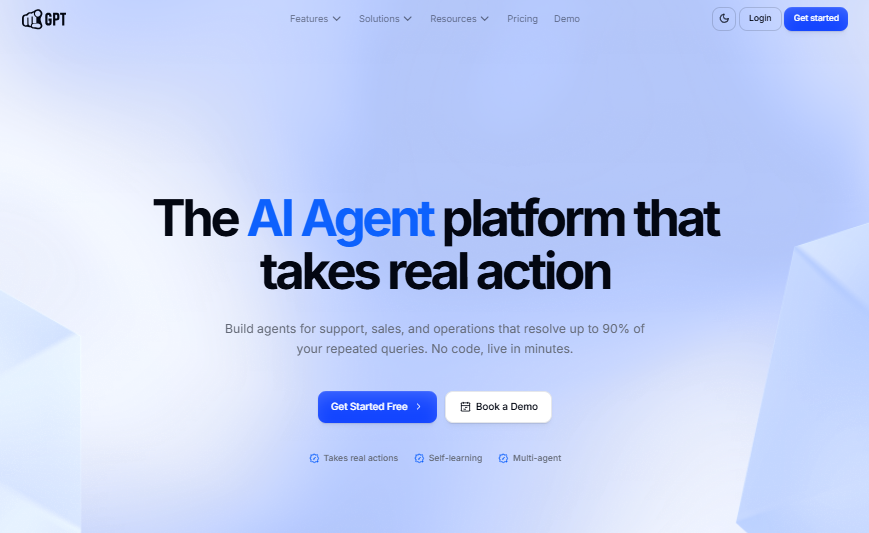
YourGPT approaches Tier 1 from the opposite side of the desk. Instead of helping a rep write the answer, its agent answers the repeat questions first, across ten channels that include web chat, WhatsApp and email. When a human takes over, the thread comes with them, so the rep opens a case that already has the history attached. Our YourGPT review covers the five-axis breakdown.
The vendor publishes up to 90% resolution on repeated queries, a figure we have not audited. Handoff replies and unresolved questions feed back into the agent, so the same gap closes instead of reopening each week.
The limit matters for this guide. Its documentation centers on handoff, quick replies and self-learning rather than a per-ticket drafting sidebar. Teams that want both usually run YourGPT in front and keep a helpdesk copilot behind it, and our YourGPT vs Intercom comparison shows how that front-line choice plays out. A note on disclosure. We have a professional relationship with YourGPT, and it is scored on the same five axes as every other tool here.
Best for teams that want repeat questions cleared before they reach a rep, on WhatsApp and chat as much as email.
Watch out for credits that follow the model rather than the message, so cap spend in week one. Essential cannot run Studio, functions or the API.
Pros
One agent across ten channels, with the thread intact after handoff
Live from a site URL and a document pile, no engineering ticket
A monthly plan with seats included instead of a per-resolution meter
Cons
No documented per-ticket drafting assistant for the rep
Inbox and handoff only, with no deep SLAs or shift scheduling
Pricing
Essential $39,
Professional $79,
Advanced $349 a month on annual billing, seven-day trial with no card
WebTechOS score: 86/100
2. Fin (formerly Intercom)
Fin combines customer-facing AI support with Copilot, an assistant that helps human reps inside the Intercom inbox. Copilot draws answers from past conversations, help center articles and connected content. Reps can ask policy questions, draft replies, summarize long threads and fill ticket details without leaving the inbox. The rep reviews the response before sending it.
Each full-seat rep gets 10 Copilot conversations per month at no extra cost. Unlimited usage requires a paid add-on, while Fin's customer-facing AI agent is billed separately. Our Intercom review covers its five-axis score, and the Intercom vs Zendesk comparison shows how the two platforms compare.
Best for Tier 1 teams already using Intercom that want policy answers, reply drafts and ticket summaries in one inbox.
Watch out for separate Copilot and Fin charges. Unlimited Copilot adds a per-seat cost, while customer-facing AI outcomes are billed separately.
Pros
Answers grounded in past conversations and knowledge articles
Drafting, summaries and autofill inside the inbox
10 included Copilot conversations per full-seat rep each month
Cons
Lite seats cannot access Copilot
Unlimited Copilot requires a paid add-on
Fin outcomes add usage-based charges beyond seat costs
Pricing
Copilot: $29 per rep/month on annual billing
Copilot: $35 per rep/month on monthly billing
Intercom Essential seats start at $29 per rep/month on annual billing
Fin AI agent outcomes billed separately
WebTechOS score: 83/100
3. HubSpot
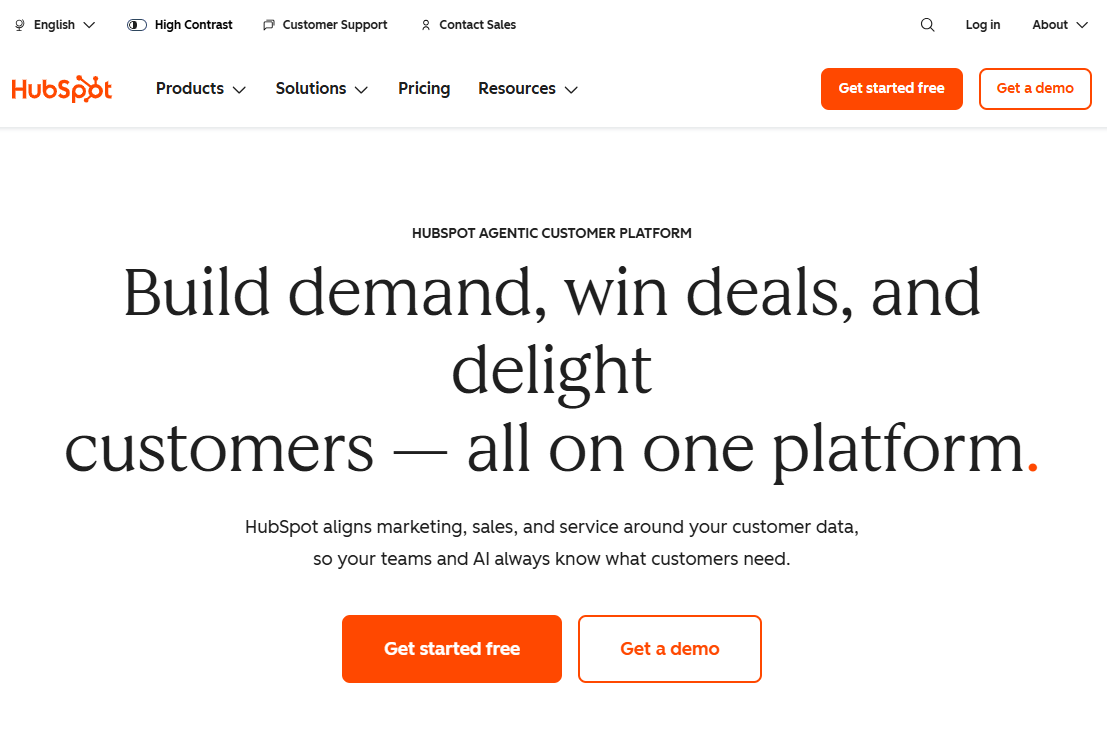
HubSpot's Breeze Assistant helps Tier 1 reps find answers using CRM records, customer history and HubSpot's knowledge base. A rep can check past interactions, summarize an account and draft a reply without searching through separate tools. Unlike ticket-focused copilots, Breeze works across sales, marketing and service, making it useful for teams that already manage customer data in HubSpot.
Breeze Assistant is included with HubSpot subscriptions at no additional cost and is also available on mobile. The main expense comes from Service Hub seats and any paid features the team needs. Our HubSpot review scores the platform at 82/100 and covers the cost of adopting multiple hubs.
Best for support teams already using HubSpot CRM that want customer history, AI-assisted answers and email drafts without a separate copilot subscription.
Watch out for Service Hub pricing. Breeze Assistant is included, but advanced helpdesk features require paid plans, and Professional comes with a mandatory onboarding fee.
Pros
Breeze Assistant included at no additional cost
Answers informed by CRM records and customer history
Email drafting and account summaries available on mobile
Cons
General-purpose assistant with fewer ticket-specific features than dedicated support copilots
Service Hub seat costs and onboarding fees increase the total
Costs can grow when teams adopt additional HubSpot products
Pricing
Breeze Assistant: included with HubSpot subscriptions
Service Hub Professional: $90 per seat/month on annual billing, or $100 on monthly billing
Professional onboarding: $1,500 one-time fee
WebTechOS score: 82/100
4. Zendesk

Zendesk Copilot helps Tier 1 reps handle tickets with AI-generated replies, suggested actions and customer context inside the agent workspace. Its Auto Assist feature uses knowledge articles and procedures to recommend next steps, draft responses and perform approved actions. Reps also get ticket summaries, similar-ticket suggestions, writing tools and intelligent triage without switching between systems.
Suite Professional includes five Copilot writing and summary uses per agent each month, pooled across the team. Ten reps share 50 uses, enough for a short trial but limited for daily support work. The full Copilot add-on removes this usage cap and adds Auto Assist and other features. Our Zendesk review scores the platform at 80/100 and covers its AI capabilities and pricing.
Best for larger Tier 1 teams already using Zendesk that want AI-assisted replies, ticket summaries and suggested actions alongside existing routing and SLA workflows.
Watch out for the subscription cost. The full Copilot add-on requires an eligible Professional or higher plan, making it one of the more expensive options for smaller support teams.
Pros
Auto Assist suggests replies, next steps and approved actions
Ticket summaries and similar-ticket suggestions help reps review cases faster
Works alongside Zendesk routing, SLAs and ticket management
Cons
High per-agent cost once the Copilot add-on is included
Setup and ongoing administration may require a dedicated owner
Included Copilot usage is too limited for regular team-wide use
Pricing
Suite Professional: $115 per agent/month on annual billing
Copilot add-on: $50 per agent/month on annual billing
Total: $165 per agent/month, or $1,650/month for 10 reps
WebTechOS score: 80/100
5. Front
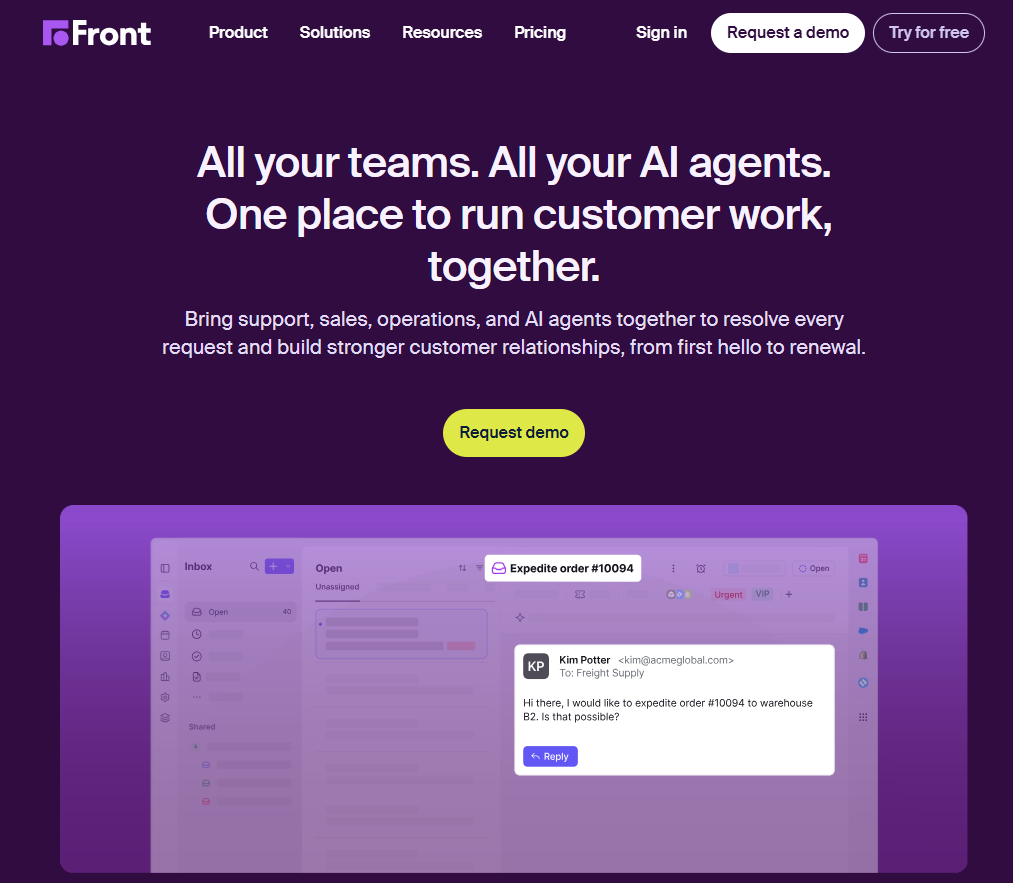
Front Copilot helps Tier 1 reps manage customer conversations inside a shared inbox. It pulls account history, past conversations and information from connected CRM and billing tools to suggest replies and next steps. Reps can check how similar issues were handled, find policy answers and draft responses without leaving the conversation. Compose, Translate and Summarize are available across Front's plans.
Copilot costs $20 per seat monthly on Starter and Professional, while Enterprise includes it alongside Smart QA and Smart CSAT. Teams can also use internal comments and shared drafts to involve senior reps without forwarding a conversation. Our Front review scores the platform at 80/100 and covers its reporting limitations compared with dedicated helpdesks.
Best for support teams handling ongoing customer relationships that need shared inboxes, account context and AI-assisted replies.
Watch out for Starter's channel limits. It supports up to 10 seats and one channel type, so teams handling email, chat and other channels together need Professional or Enterprise.
Pros
Copilot uses conversation history and connected account data
Compose, Translate and Summarize available across plans
Internal comments and shared drafts support team collaboration
Enterprise includes Copilot, Smart QA and Smart CSAT
Cons
Starter supports only one channel type and up to 10 seats
Advanced reporting and automation require higher plans
Customer-facing AI automation is priced separately through Autopilot
Pricing
Starter: $25 per seat/month on annual billing
Professional: $65 per seat/month on annual billing
Copilot add-on: $20 per seat/month
Enterprise: $105 per seat/month on annual billing, Copilot included
WebTechOS score: 80/100
6. Freshdesk
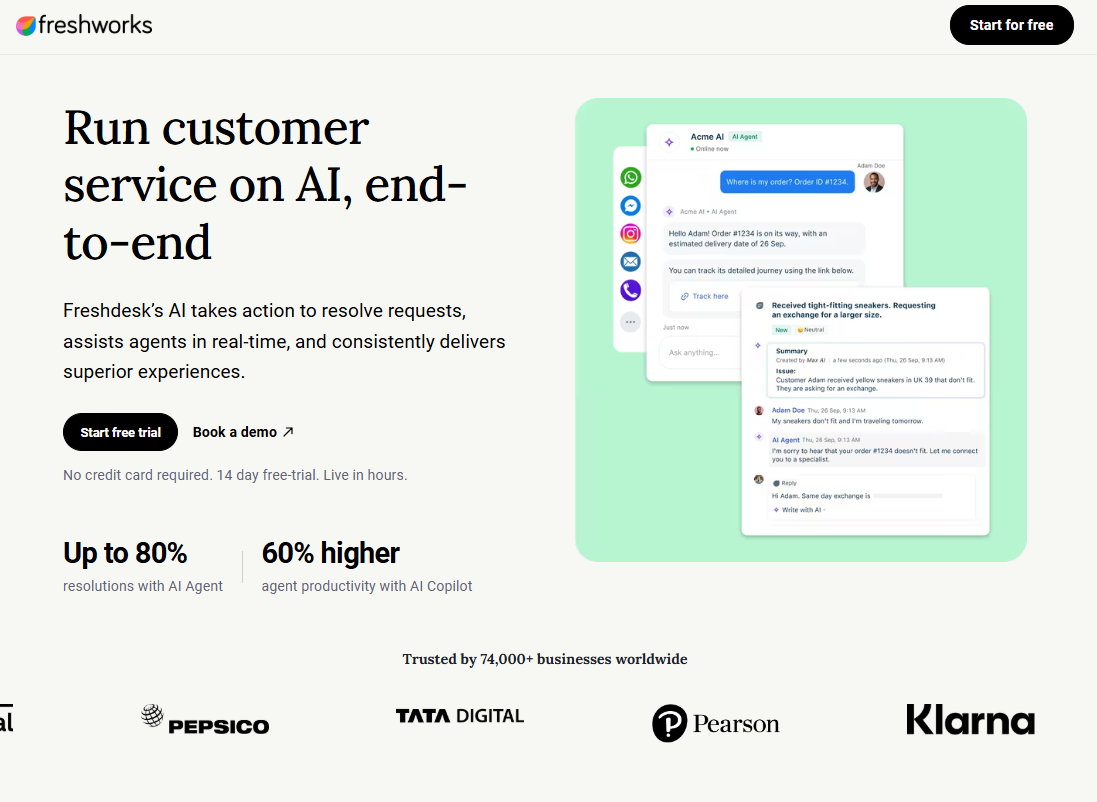
Freshdesk's Freddy AI Copilot helps Tier 1 reps draft replies, summarize tickets and find relevant solutions without leaving the ticket workspace. Its response assistant suggests answers and adjusts tone, while its resolution assistant recommends similar tickets and knowledge articles. Reps can review the suggestions before replying to customers.
Freddy AI Copilot is available as a $29 per-agent add-on on Pro and Enterprise. Freshdesk also offers a separate customer-facing Freddy AI Agent, with the first 500 sessions included and additional sessions priced at $49 per 100. A 14-day trial provides access to Enterprise features. Our Zendesk alternatives roundup covers Freshdesk as an option for teams comparing traditional ticketing platforms.
Best for Tier 1 teams that want AI-assisted replies, ticket summaries and knowledge suggestions within a familiar helpdesk at a lower seat price than Zendesk.
Watch out for the plan requirement. Freddy AI Copilot is unavailable on Growth, so teams need Pro or Enterprise plus the $29 add-on.
Pros
AI-generated replies, ticket summaries and knowledge suggestions
Copilot add-on costs less per agent than Zendesk's
Familiar ticketing workspace with routing, automation and SLA management
14-day trial with access to Enterprise features
Cons
Copilot unavailable on the $19 Growth plan
Customer-facing Freddy AI Agent usage billed separately beyond included sessions
Omnichannel support requires the more expensive Freshdesk Omni plans
Pricing
Growth: $19 per agent/month, Copilot unavailable
Pro: $55 per agent/month on annual billing
Enterprise: $89 per agent/month on annual billing
Freddy AI Copilot: $29 per agent/month on annual billing
Pro + Copilot: $84 per agent/month, or $840/month for 10 reps
WebTechOS score: Not yet rated
7. Help Scout
Help Scout includes AI writing tools in its paid plans without charging a separate copilot fee. AI Assist helps Tier 1 reps edit, shorten, expand and translate replies, while AI Drafts generates responses using past conversations and help center articles. AI Summarize gives reps a quick overview of long threads, making it easier to pick up reopened conversations or handle handoffs.
AI Assist is available from Standard, while Plus and Pro include unlimited AI Drafts and AI Summarize. Reps review and edit drafts before sending them. The separate customer-facing AI Answers agent costs $0.75 per resolution after a three-month free trial. Help Scout is a practical option for smaller teams that want AI drafting and summaries without paying for another per-seat add-on.
Best for small and mid-sized support teams that want AI-generated replies, conversation summaries and writing assistance included in their helpdesk subscription.
Watch out for plan limits. Standard supports up to 25 users but excludes AI Drafts and AI Summarize. Plus supports up to 50 users, while Pro requires at least 10 users.
Pros
Unlimited AI Drafts and AI Summarize included on Plus and Pro
Drafts use previous conversations and knowledge articles
Reps review every AI-generated draft before sending
No separate per-seat Copilot add-on
Cons
AI Drafts and summaries unavailable on Standard
Plus includes only two advanced SLA policies
User limits may require growing teams to move to Pro
Pricing
Standard: $25 per user/month
Plus: $45 per user/month, AI Drafts and Summarize included
Pro: $75 per user/month, minimum 10 users
AI Answers: $0.75 per resolution after a three-month free trial
Plus for 10 reps: $450/month
WebTechOS score: Not yet rated
AI Support Copilot Features and Free Trial Options
Before paying for an AI copilot, check what your team can actually test. Some platforms include limited AI features in paid plans, while others offer time-limited trials. The table compares what each tool provides and how teams can try it before committing.
Platform | What the rep gets | Free way to pilot |
|---|---|---|
YourGPT | Agent clears repeat questions first, human receives the full thread | Seven-day trial, no card |
Fin (Intercom) | Copilot Q&A from past conversations and articles, plus compose and summarize | 10 Copilot conversations per rep per month, and a cardless trial with unlimited Copilot |
HubSpot | Breeze Assistant answers from CRM and knowledge base | Free CRM signup includes Breeze Assistant |
Zendesk | Auto Assist, suggested replies and macros, summaries, similar tickets, writing tools, triage | Five pooled uses per rep per month on Suite Professional, and Copilot is on by default in the 14-day trial |
Front | Drafts, account signals and next steps, plus compose, translate and summarize | 14-day trial on Professional, no card |
Freshdesk | Copilot drafts and summaries inside the ticket | 14-day trial with Enterprise access |
Help Scout | AI Assist, AI Drafts and AI Summarize | 15-day trial of Standard or Plus, no card |
What to test before buying
Use the trial on a small set of real support conversations. Check whether the copilot finds the correct policy, produces usable drafts and reduces the time reps spend searching for information. Track how often replies need major edits and whether customers reopen tickets.
A free trial is useful only if it includes the features you plan to pay for. Confirm the AI feature limits and trial access before comparing results.
Choosing an AI Support Copilot Based on Your Team's Needs
The best fit depends on how your support team works today and where reps lose the most time. Rather than comparing feature lists alone, consider these situations:
Already using Zendesk or Intercom? Start with their built-in copilots. Switching helpdesks just for AI features can create more work than it saves.
Working mainly from HubSpot CRM? Try Breeze Assistant before adding another tool. It uses existing customer records without a separate assistant fee.
Handling long email conversations? Front is worth considering for shared inboxes, account context and team collaboration.
Looking for lower-cost ticketing? Freshdesk Pro offers AI drafting and summaries, while Help Scout Plus includes both without a separate copilot add-on.
Dealing with too many repeat questions? Consider YourGPT to answer common requests before they reach a rep, then use a copilot for cases requiring human attention. The lean AI support stack explains how the two can work together.
Before committing, identify your team's biggest source of wasted time: searching for answers, writing replies, reviewing conversation history or handling questions that never needed a human. Choose the tool that addresses that problem, then check whether its full cost makes sense for your team size.
Testing an AI Support Copilot in 2 Weeks
A short pilot can show whether an AI copilot saves your reps time without affecting answer quality. Use one support queue, a small group of reps and a consistent set of metrics.
Choose one queue and 5–10 reps. Start with common Tier 1 requests, such as refunds, order updates and account questions. Avoid changing other support workflows during the test.
Set a baseline. Use the previous two weeks of data to record average handle time, first response time, reopen rate and customer satisfaction (CSAT). Compare the pilot results against these figures.
Measure draft acceptance. Track replies sent unchanged, lightly edited or completely rewritten. Frequent rewrites may indicate missing knowledge, incorrect policy references or poor suggestions.
Check answer accuracy. Review at least 20 AI-generated drafts each week against your current policies. Record incorrect information, missing context and cases where a rep had to correct the response.
Compare speed and quality. Check whether handling time falls without an increase in reopened tickets or customer complaints. A faster response is not useful if the customer needs to contact support again. Our article on why deflection alone stopped being the metric explains why resolution quality matters.
After two weeks, decide whether to expand, adjust or stop the pilot. Look for faster handling, fewer major edits and stable or improving CSAT. If speed improves but errors increase, fix the knowledge sources or prompts before adding more seats.
Questions
Frequently asked questions
What is an AI copilot for customer support?
An AI copilot assists a human rep inside the inbox. It drafts replies, summarizes long threads, looks up policy and suggests tags, and the rep reviews everything before it reaches a customer.
Should a Tier 1 team start with a copilot or an AI agent?
It depends on the queue. If most tickets are repeat questions your help center already answers, an agent clears volume fastest. If tickets are varied and need account context, a copilot improves quality for the reps you keep. Most teams end up running both, and our look at autonomous customer support agents in 2026 covers how vendors define a resolution before you compare agent bills.
How much does an AI copilot cost per rep?
Anywhere from nothing extra to $50 a month on top of the seat. Help Scout is the cheapest all-in once drafting is included, and Front is the cheapest standalone add-on. The seat plan underneath matters as much as the add-on, so use the cost table above rather than the add-on price alone.
Can a copilot replace Tier 1 reps?
No, and by design. Every copilot here leaves the send button with the rep. What changes is the mix of work, with reps spending less time hunting for answers and more on exceptions and judgment calls.
What is the difference between Tier 1 and Tier 2 support?
Tier 1 handles repeat, well-documented requests such as order status, password resets and plan changes. Tier 2 takes issues that need account or product investigation, and Tier 3 is usually engineering. A copilot earns its keep at Tier 1 because the answers already exist somewhere.
Is a copilot safe to use with customer data?
Ask each vendor where data is processed and whether providers train on it. Front states that its AI providers do not train their foundation models on customer data, and HubSpot states that third-party AI providers are contractually barred from training on yours. Get the same answer in writing from any vendor you shortlist.
Final verdict
The right AI copilot depends on where your Tier 1 team spends the most time. Fin is a strong choice for Intercom teams that need policy answers, drafts and summaries in one inbox. Zendesk Copilot suits larger teams with established routing and SLA workflows, while Help Scout Plus offers a lower-cost option with AI drafts and summaries included. Front fits email-heavy support, HubSpot works well for teams already using its CRM, and Freshdesk offers ticket-focused assistance at a lower price than Zendesk.
But if most incoming questions are repetitive, helping reps write faster may not solve the bigger problem. YourGPT handles common requests before they reach the team and passes unresolved conversations to human reps with their history intact. It can work alongside a rep-side copilot rather than replace one.
Before choosing, test your preferred tool on real tickets. Track response time, draft accuracy, reopened cases and customer satisfaction. The best choice is the one that reduces manual work without adding errors or unnecessary costs.
WebTechOS accepts no payment for coverage, placement or scores. Where a piece references pricing, it reflects published list rates at the date shown.
Keep reading
All insights →Designing Zero-Downtime Database Migration Frameworks
Design a zero-downtime database migration framework with expand and contract, safe backfills, lock budgets, sync, cutover gates and rollback.
Gorgias Alternatives for Small Ecommerce Teams in 2026
Compare the 7 best Gorgias alternatives for small ecommerce teams in 2026. Review pricing, AI automation, features, and support capabilities.
Is ChatGPT or Claude Worth Paying For? 2026 Pricing Breakdown
ChatGPT Plus and Claude Pro both cost $20. Compare Free, Go, Pro, Max and Ultra plans, usage limits and hidden costs to see which is worth paying for.
Best AI chatbot.com alternatives compared in 2026
Compare 7 AI chatbot alternatives for 2026 on resolution claims, pricing, channels and handoff. See where YourGPT, Intercom, Zendesk and Tidio fit.