I tried 7 Discord alternatives to find the best platform (2026)
We tested 7 Discord alternatives, from Slack to Google Chat, as both an admin and a member. See which platform actually fits your community in 2026.
5 Nov 2026·13 min read·Insights
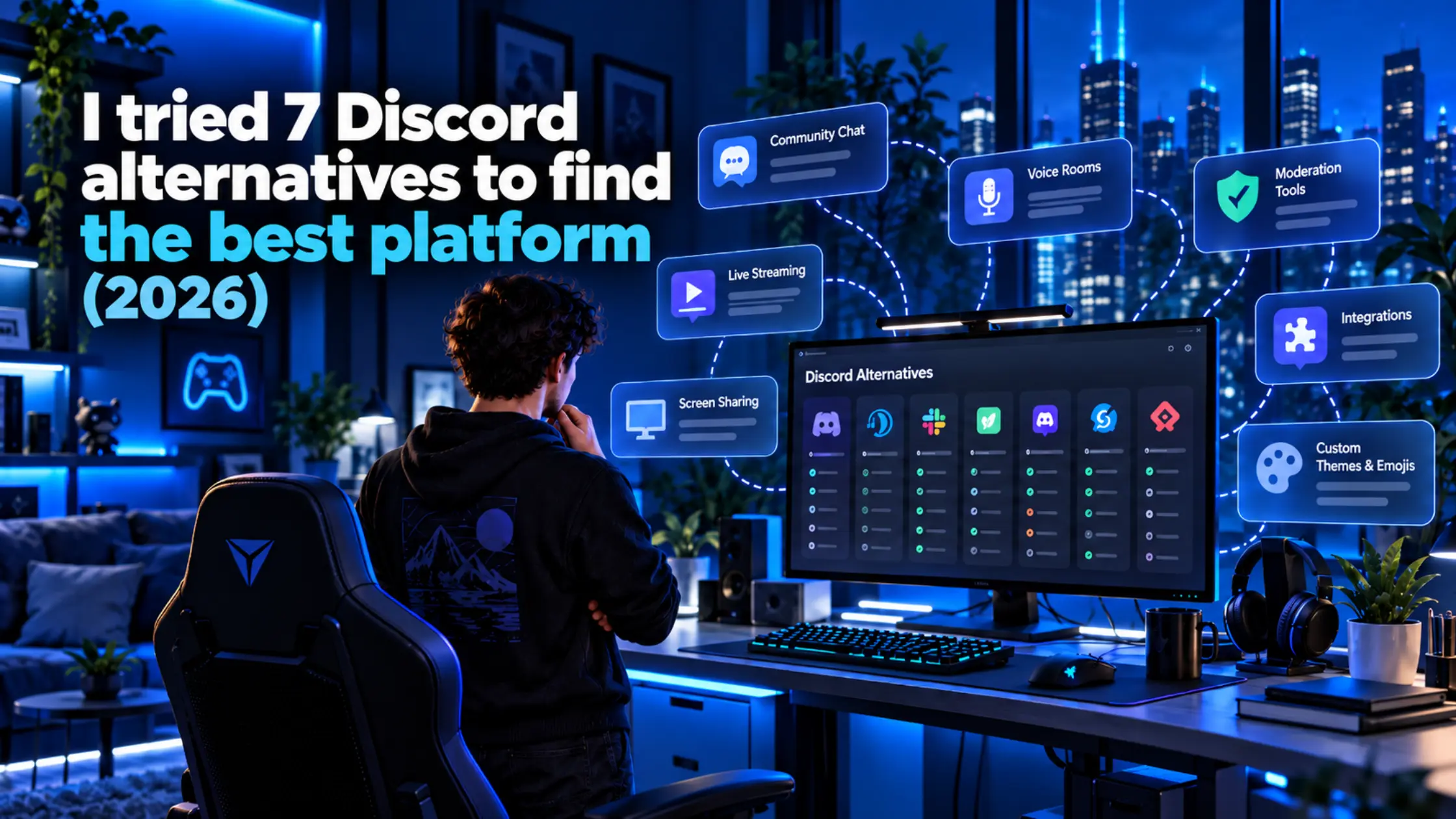
Discord is excellent when you want real-time conversation, voice channels, and a familiar server structure. The trouble starts when that server needs to do more than just host a gaming clan. A paid creator community needs gated access and billing baked in. A work team needs searchable history and admin controls that don't live on a volunteer moderator's laptop. A privacy-focused organization needs to know exactly who can read a message, not just hope nobody does.
Discord was never built to flex across all three, and most "alternatives" roundups assume every reader has the same gaming-server problem Discord already solves well.
So we set up communities on seven Discord alternatives: Slack, Microsoft Teams, Mattermost, Signal, TeamSpeak, Rocket.Chat and Google Chat, and compare the experience from both the admin side and the member side.
Limitations of Discord
Discord isn't broken. It's just one tool trying to be every kind of community at once, and that gap shows up differently depending on what you're actually running.
Your community needs more structure: Real-time channels are great for fast conversation, but some groups need searchable history that doesn't vanish, permissions an admin actually controls, and infrastructure that isn't one company's policy update away from changing.
You're building a professional workspace: A space built for client calls, project updates, and shared documents reads differently from a gaming lounge, and members notice the mismatch the moment they join.
Privacy and data ownership matter: Some communities, a newsroom, a legal team, and an advocacy group can't risk a stranger's third-party vendor breach exposing message history or member identities. For them, whether anyone, including the platform itself, can read a message matters more than how it looks.
Voice quality is the only thing that matters: Some communities don't need channels, roles, or bots at all. They need the lowest latency possible during a live match, and they won't consider anything else about the platform.
Each of these problems points toward a different platform. That's precisely how the next seven break down.
Quick glance
Slack: the pick if your "community" is really a professional network wearing a hoodie
Microsoft Teams: only worth it if your members already have Microsoft 365 seats
Mattermost: open source and self-hosted, built for IT departments, not clans
Signal: end-to-end encrypted by a nonprofit, free forever, but not built for public communities at all
TeamSpeak: not a Discord replacement at all, just the voice chat, stripped down
Rocket.Chat: the same pitch as Mattermost with a more generous free tier and a rougher UI
Google Chat: the quiet default for anyone already paying for Google Workspace
Best Discord alternatives
Here's the full breakdown of all seven, what each one actually does well, where it falls short, and what it costs.
1. Slack
Slack is built for teams who already think in channels, threads, and @here, not for open communities people discover and join. It works well the moment your "server" is really a company, a client group, or a paid community with a clear member list.
Features
Threaded conversations and unlimited channels on paid plans
Huddles for quick audio or video calls without scheduling a meeting
Deep integration with work tools: Google Drive, Jira, GitHub, Zoom
AI search and workflow generation on the Business+ tier
Limitations
Free tier caps message history at 90 days, which kills searchability in an active community fast
No public server discovery; Slack workspaces are invite-only by design
Per-user pricing gets expensive past a few hundred members, something a free Discord server never charges for
Pricing
Free tier available
Pro: $7.25/user/month billed annually ($8.75 monthly)
Business+: $15/user/month annually ($18 monthly)
Enterprise Grid: custom-quoted
Best for: paid communities, client groups, and teams that already run on Slack at work and don't want a second tool for everything else.
2. Microsoft Teams
Teams makes sense in exactly one scenario: your members already have Microsoft 365 licenses through work or school. Outside of that scenario, Teams is one of the more awkward community tools on this list, since Microsoft never designed it for that purpose.
Features
Deep integration with Office apps, SharePoint, and Outlook calendars
Meeting recordings, transcripts, and webinar hosting on paid tiers
Up to 300 users on standard business plans before you need Enterprise
Limitations
The free tier caps group calls at 60 minutes, a real problem for anything voice-heavy
Feels like a work tool because it is one; community members notice immediately
Pricing is bundled into Microsoft 365, so the "real" cost depends on which bundle your org already owns
Pricing
Free for individuals
Teams Essentials: $4/user/month
Microsoft 365 Business Basic: $7/user/month
Microsoft 365 Business Standard (now bundles Copilot): $23.50/user/month (all billed annually)
Best for: organizations and school communities that already live inside Microsoft 365 and need chat as a bonus, not a destination.
3. Mattermost
Mattermost is open source, self-hostable, and built for teams that want Slack's structure without handing their data to Slack. It's the most "approved by IT" option on this list, which is a compliment for a company and a liability for a gaming clan.
Features
Fully self-hostable community tier, free to run with no seat cap published on Mattermost's own site
SSO, AD/LDAP sync, and guest accounts on the Professional tier
Enterprise Advanced adds air-gapped and classified-environment deployment, backed by GDPR, HIPAA, SOC 2, FIPS 140-3, and DoD IL2 to IL6 certifications
Limitations
Self-hosting means you're the one patching servers at 2am, not a vendor's on-call team
The interface is functional, not fun; nobody joins a Mattermost instance for the vibe
No public server discovery or anything resembling Discord's drop-in community feel
Pricing
Free self-hosted community tier
Professional, Enterprise, and Enterprise Advanced: custom-quoted; Mattermost's own pricing page no longer lists public per-user rates for any paid tier
Best for: dev teams, open source projects, and organizations that need Slack-style chat but can't put their data on someone else's servers.
4. Signal
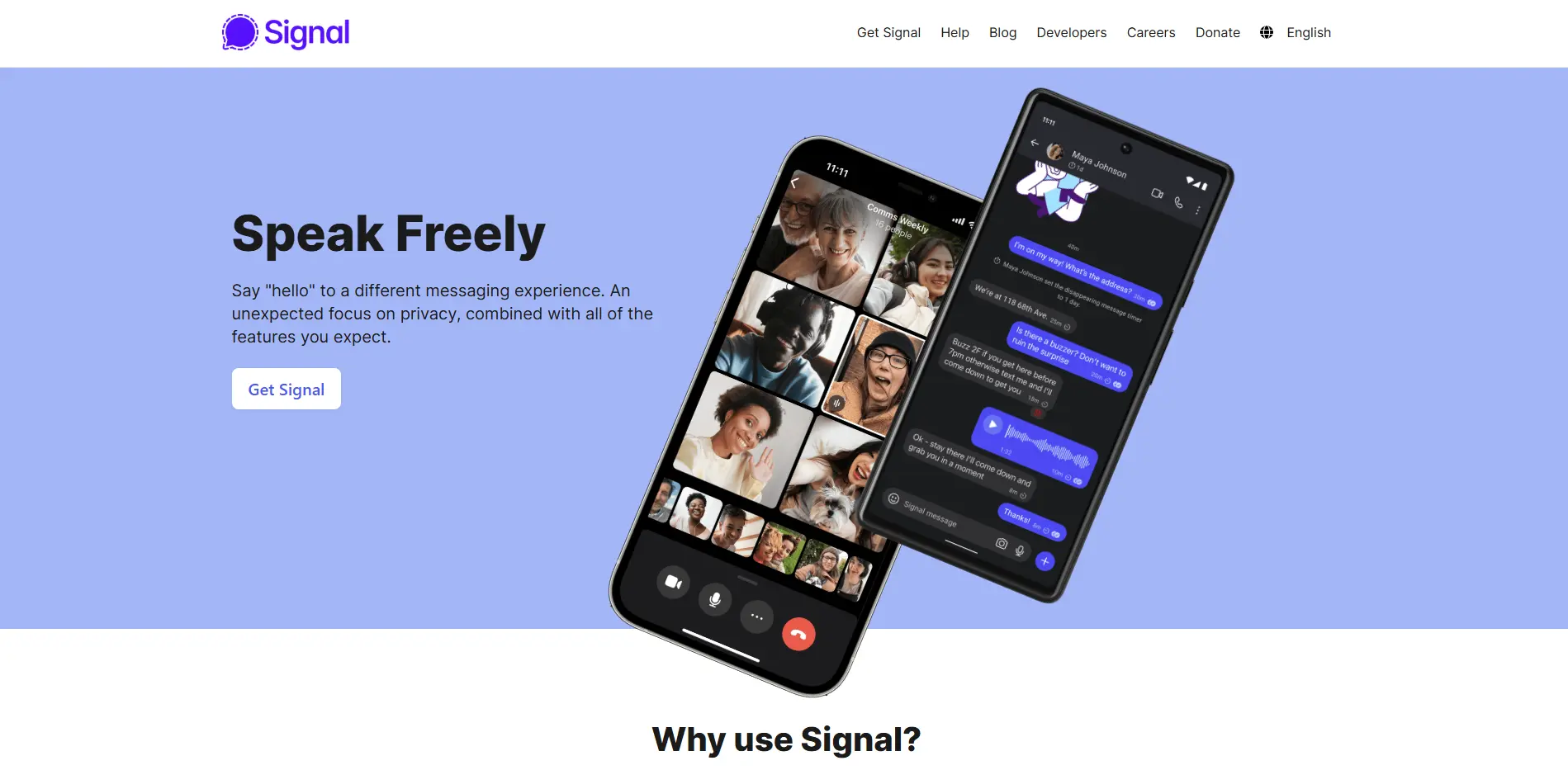
Signal is an end-to-end encrypted messenger built by a nonprofit, not a server you set up and configure. Everything, text, voice, video, and file transfers, is encrypted by the open-source Signal Protocol, and the organization behind it is structurally unable to read your messages even if it wanted to.
Features
End-to-end encryption on every message and call by default, with no setup or opt-in required
Group chats support up to 1,000 members, with group voice and video calls for up to 75 participants
No ads, no data harvesting, and no advertiser-driven business model behind it
Limitations
No self-hosting option; Signal runs on its own centralized servers, so you're trusting its infrastructure, just not its ability to read your content
No channels, roles, or server structure; it's built for group chats, not communities with distinct spaces and permissions
No bot ecosystem or third-party integrations; Signal has actively pushed back against unofficial bridges for security reasons
Pricing
Free, permanently. Signal is a 501(c)(3) nonprofit funded by donations, with no paid tiers, subscriptions, or enterprise plans
Best for: privacy-focused individuals and small groups, like journalists, activists, and legal teams, who need messages nobody else can read and don't need server infrastructure or community features.
5. TeamSpeak
TeamSpeak isn't trying to replace Discord's text channels, roles, or bots. It does one thing: low-latency voice chat for gaming, and it has done so since before Discord existed.
Features
Consistently low latency, with hosting providers advertising figures in the 30 to 45ms range
Whisper, priority speaking, and voice room controls built for competitive play
TeamSpeak 6 ("Communities") adds a newer managed hosting tier alongside the classic self-hosted TS3 model
Limitations
No real text-channel community platform; it's a voice server with a chat window bolted on
Feels dated next to Discord or Slack if your community expects a modern interface
You're renting server slots from a third-party host in most cases, which means picking a hosting provider is part of the decision
Pricing
Official TeamSpeak Communities: Crew $4.99/month, Team $8.99/month, Faction $17.99/month
Independent TS3 server rentals: start around $3/month depending on slot count
Best for: competitive gaming groups that care more about voice quality during a match than anything happening in a text channel.
6. Rocket.Chat
Rocket.Chat covers almost identical ground to Mattermost, is open source and self-hostable, but has a more generous free Starter tier and a rougher, more utilitarian interface. It leans more heavily into regulated-industry use cases, such as government and healthcare.
Features
Starter tier is free and self-managed, though Rocket.Chat's own pricing page doesn't publish a specific seat cap
Omnichannel support tools built in, useful if the "community" is also a customer base
Privacy-first AI features and custom roles on the Enterprise tier, with certifications including SOC 2, ISO/IEC 27001, HIPAA, and DoD authorization up to IL6
Limitations
The UI feels a generation behind Slack and Mattermost in polish
No free trial on paid tiers, according to Rocket.Chat's own pricing page
Like Mattermost, zero public discovery; someone has to invite you
Pricing
Free Starter tier, self-managed
Pro and Enterprise: custom-quoted; Rocket.Chat's own pricing page doesn't publish per-user rates either, so get a quote before budgeting around a number you saw elsewhere
Enterprise adds voice calling and device management on top of Pro
Best for: government, healthcare, and other regulated organizations that need an open-source chat platform with compliance features baked in.
7. Google Chat
Google Chat is the one most people already have without realizing it. It's free on any personal Gmail account as "Spaces," and it's bundled into every paid Google Workspace tier for businesses and schools that already run on Gmail, Drive, and Meet.
Features
Free on a personal Gmail account, with group Spaces, threaded replies, and direct messages
Deep integration with Google Meet, Drive, Docs, and Calendar inside the same window
Gemini AI features built into Workspace tiers: conversation summaries, action-item generation, and real-time translation
Guest access lets people outside your organization join specific spaces
Limitations
The free personal tier is noticeably stripped down next to the Workspace version; file storage and admin controls live behind a paid plan
No public server discovery or anything resembling an open community you can stumble into
Feels like an email-adjacent tool because it is one; voice and video route through Meet rather than feeling native to chat
Pricing
Free for personal Gmail accounts with basic Spaces
Business Starter: $7/user/month billed annually ($8.40 monthly)
Business Standard: $14/month ($16.80 monthly)
Business Plus: $22/month ($26.40 monthly)
Enterprise: custom-quoted
Best for: schools, nonprofits, and businesses already standardized on Google Workspace that want chat without adding a new vendor.
Side-by-Side Comparison
Side-by-Side Comparison
Comparison basis | Discord (baseline) | Slack | MS Teams | Mattermost | Signal | TeamSpeak | Rocket.Chat | Google Chat |
|---|---|---|---|---|---|---|---|---|
Communication & community features | Text channels, roles, public server discovery, large bot ecosystem | Channels and threads, no public discovery | Channels and chat, built around Office workflows | Channels and threads, self-hosted, no public discovery | Group chats only (up to 1,000 members), no channels or servers | Minimal text chat, voice is the focus | Channels plus omnichannel support tools | Threaded Spaces, no public discovery |
Voice & video capabilities | Native voice channels built for gaming, screen share | Huddles for quick calls, no dedicated voice channels | Full meetings and recordings, 60-min cap on free tier | Basic calls on paid tiers only | Group calls up to 75 participants, no persistent voice channels | Lowest latency on this list (around 30 to 45ms), voice-only | Voice calling on the Enterprise tier | Routes through Google Meet, not native to chat |
Privacy & data control | Centralized; a 2025 third-party vendor breach exposed around 70,000 ID photos | Centralized, no self-hosting option | Centralized, hosted by Microsoft | Self-hostable, full data ownership | End-to-end encrypted by default on everything, run by a nonprofit, not self-hostable | Self-hosted or rented, no encryption by default | Self-hostable, full data ownership | Centralized, hosted by Google |
Integrations & ecosystem | Largest bot ecosystem of any platform here | Deep ties to Google Drive, Jira, GitHub, Zoom | Office apps, SharePoint, Outlook calendars | SSO and AD/LDAP sync on paid tiers | None; no bots and no official third-party integrations | Minimal, voice-focused plugins only | Omnichannel tools, custom roles on Enterprise | Google Meet, Drive, Docs, Calendar, Gemini AI |
Admin & community management | Role-based permissions run by volunteer moderators | Workspace admin controls, invite-only | Org-wide admin through Microsoft 365 | SSO, AD/LDAP sync, guest accounts on paid tiers | Basic group admin controls only, no roles or channels | Admin controls sit with whoever hosts the server | Custom roles on the Enterprise tier | Admin controls behind a paid Workspace plan |
Ease of use & setup | Free, instant setup, no technical skill required | Easy, familiar to most teams already | Easy on Microsoft 365, awkward otherwise | Requires self-hosting or IT support | Download and go, no server setup of any kind | Requires choosing and renting a server host | Requires self-hosting, interface feels a generation behind | Instant on Gmail, standard on Workspace |
Pricing & best use case | Free; built for open gaming communities | Free tier, from $7.25/user/month; paid communities and client groups | Free for individuals, from $4/user/month; Microsoft 365 orgs | Free self-hosted, paid tiers custom-quoted; dev teams and compliance-focused orgs | Free, permanently, no paid tiers at all; privacy-focused individuals and small groups | From $4.99 to $17.99/month; competitive gaming voice | Free Starter tier, paid tiers custom-quoted; regulated organizations | Free for personal Gmail, from $7/user/month; Google Workspace orgs |
Choosing the Right Discord Alternative
The seven Discord alternatives are built for different types of communities, so the right pick depends on whether you're running a professional team, a privacy-focused organization, a gaming group, or a community already tied to an existing productivity suite.
Professional communities and paid groups → Slack. Choose it if your community needs structured channels, searchable conversations, work integrations, and admin controls.
Microsoft 365-based organizations → Microsoft Teams. Choose it if your members already use Microsoft 365 and need chat alongside Office, SharePoint, Outlook, and meetings.
Self-hosted team communication → Mattermost. Choose it if you need Slack-style collaboration while keeping your data and infrastructure under your control.
Privacy-focused communities → Signal. Choose it if encryption nobody can break, including the platform itself, matters more than channels, roles, or any kind of server infrastructure.
Competitive gaming voice chat → TeamSpeak. Choose it if low-latency voice communication matters more than Discord-style text channels, bots, and community features.
Regulated organizations and self-hosting → Rocket.Chat. Choose it if you need an open-source, self-managed chat platform with omnichannel and compliance-oriented features.
Google Workspace-based groups → Google Chat. Choose it if your organization already uses Gmail, Drive, Docs, Calendar, and Meet and wants chat without adding another vendor.
Questions
Frequently asked questions
Is there a Discord alternative that actually looks and feels like Discord?
None of the seven platforms we tested here are built to look or feel like Discord; they're team-chat, voice, or encrypted-messaging tools that happen to overlap on a few features. If an actual visual and structural clone is what you want, Stoat (formerly Revolt) is the closest thing on the market, though it wasn't part of this particular round of testing.
Is there a self-hosted Discord alternative?
Yes, two of the seven: Mattermost and Rocket.Chat both run on infrastructure you control. Both are Slack-style team chat you host yourself, free at the Community or Starter tier, with the same trade-off either way: you're responsible for patching, uptime, and backups instead of a vendor's on-call team. Signal, by contrast, is encrypted but not self-hostable; you're trusting its nonprofit infrastructure, just not its ability to read your messages.
Is Google Chat actually usable for a community, not just a workplace?
Not comfortably. Google Chat Spaces work fine for a defined group that already has Gmail accounts, but there's no way for a stranger to discover and join a Space the way they'd stumble into a public Discord server. It's built for teams and classes with a known member list, not open communities.
Can Mattermost or Rocket.Chat actually replace Discord for a gaming community?
Not comfortably either. Both are built for workplace-style collaboration, not public community discovery or the kind of bot-and-event culture gaming servers run on. They're a better fit if your "community" is really a structured team, like an esports organization's internal staff, rather than an open server anyone can join.
What is the best Discord alternative for gaming?
TeamSpeak, if voice quality during a match is what actually matters, since it's built for low-latency audio and nothing else. It drops the text channels, bots, and server-discovery culture that make a Discord server feel like a gaming community in the first place, so no platform on this list replaces that experience wholesale.
Do any of these have a bot ecosystem close to Discord's?
No, and this is the honest gap in every option on this list. Slack, Microsoft Teams, and Google Chat all have app marketplaces, but they're built around business integrations like calendars and ticketing, not the custom moderation and fun bots a Discord server runs. Mattermost, Rocket.Chat, and TeamSpeak lean even further toward "bring your own bot," which usually means rebuilding one from scratch rather than installing it in a few clicks. Signal doesn't support bots at all, by design.
Conclusion
None of the seven platforms here are a drop-in Discord replacement, and that was never really an option. What decided each one was simpler than that: what a group already had running underneath it. A school on Google Workspace doesn't need convincing on Google Chat; it's already paying for it. A studio handling client contracts doesn't need a pitch for why self-hosting with Mattermost beats a nicer interface. Once you look past the server itself and focus on what the organization actually runs, most of these choices become clear.
Where it gets risky is assuming a comparison table settles anything on its own. Move a small group over first, then watch what breaks, who stops showing up, and which features people reach for without being told to. That tells you more than any feature list, and it's the only way to know if the move was worth it.
WebTechOS accepts no payment for coverage, placement or scores. Where a piece references pricing, it reflects published list rates at the date shown.
Keep reading
All insights →The Best Customer Service Automation Platforms for Mid-Market Teams
Compare the best customer service automation platforms for mid-market teams: features, trade-offs, and how to choose one that scales.
ChatGPT vs Grok: Which Is Better for Coding, Writing and Research?
ChatGPT vs Grok for coding, writing and research: independent test data, real costs per task and plan pricing, so you know which one to pay for.
ChatGPT vs Gemini: Which AI Assistant Wins in 2026?
ChatGPT vs Gemini in 2026: compare GPT-6 Sol and Gemini 4 Argon on writing, research, coding, price and privacy, and pick the right assistant.
Zapier Pricing 2026: What Each Plan Actually Costs
Zapier pricing 2026: see exactly what Free, Professional, Team, and Enterprise cost, how task billing works, and which plan actually fits you.