The Best Customer Service Automation Platforms for Mid-Market Teams
Compare the best customer service automation platforms for mid-market teams: features, trade-offs, and how to choose one that scales.
5 Nov 2026·18 min read·General
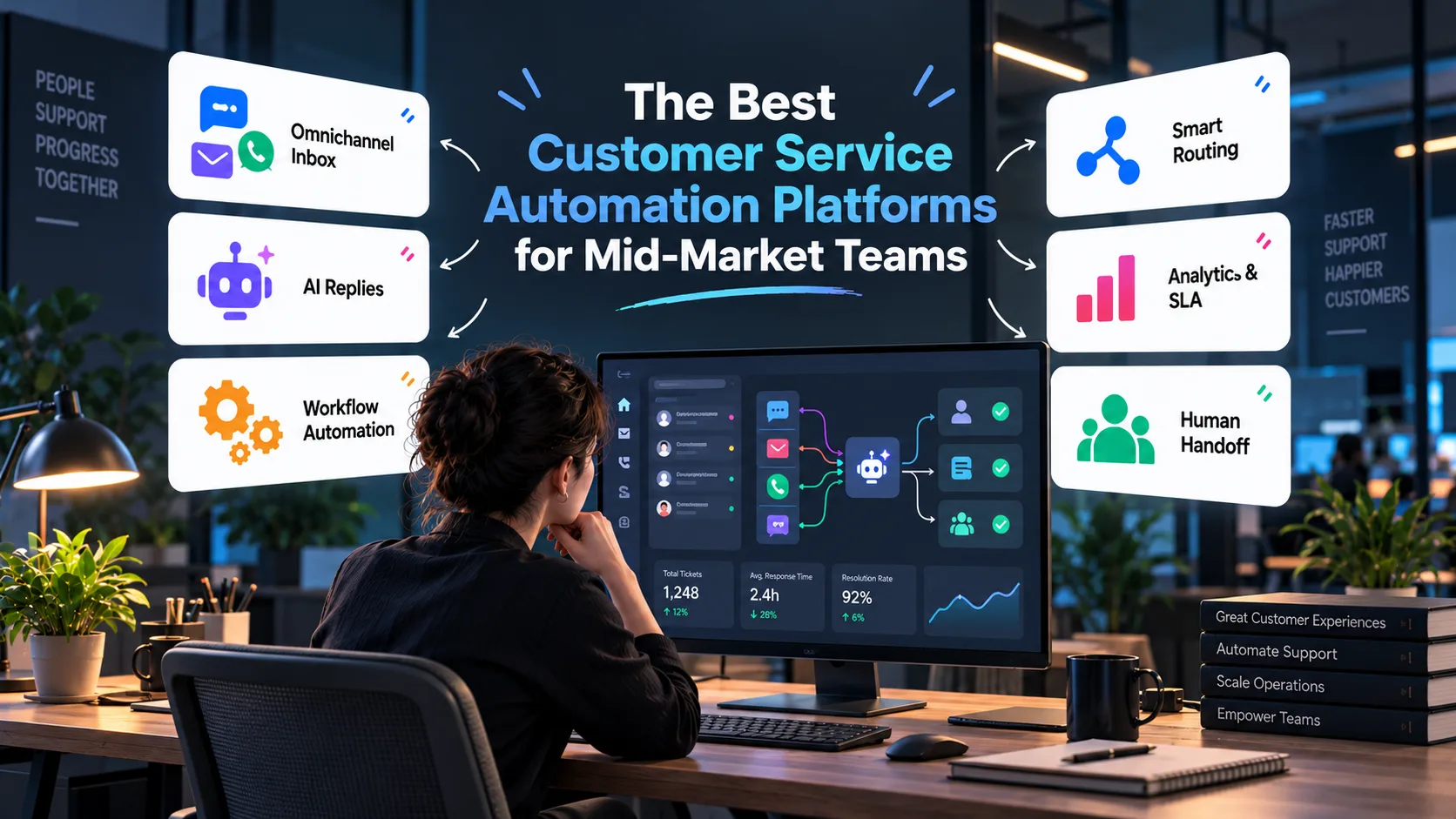
The best customer service automation platform for a mid-market team is the one that resolves your most common tickets end to end, connects to the CRM and billing tools you already run, and can be managed by one or two people. This guide compares eleven platforms on that standard, using each vendor’s published features and prices as of October 2026: Zendesk, Fin (formerly Intercom), YourGPT, Freshdesk, HubSpot Service Hub, Salesforce Service Cloud, Help Scout, Zoho Desk, Gorgias, Ada, and Kommunicate.
“Mid-market” here means roughly 100 to 2,000 employees and 10 to 100 support agents. Teams this size handle email, chat, and messaging with thin staffing, depend on a real CRM and billing stack, and cannot spare a full-time admin. Hiring only absorbs repetitive questions such as order status, password resets, and billing corrections for a quarter, and an enterprise suite can take months to roll out.
One change shapes every comparison below. In 2026 most vendors moved AI billing from flat seats to usage, so you may now pay per resolution, per session, per credit, or per conversation. A platform that looks cheap at 10 agents can become your largest software line at 60. The guide gives you quick picks by situation, a scoring method, a profile of each platform with pros and cons, a table of published AI prices, a worked cost example, and a six-week rollout plan.
Which platform fits your team? Quick picks by situation
You already have a helpdesk that works. Add an AI layer instead of migrating. Fin, Ada, and Kommunicate are built to sit on top of an existing helpdesk. Migration is the costliest part of any platform change.
Your CRM is the center of the business. Start with the vendor that matches it, HubSpot Service Hub or Salesforce Service Cloud. Data access beats feature count.
You sell products online. Gorgias handles order, refund, and shipping actions inside the ticket and will outperform a generic helpdesk on order-related tickets.
You are starting fresh with mixed channels. Zendesk or Freshdesk are safer defaults, as is Intercom with Fin if your support is chat-first.
You want no-code agents that act across systems. YourGPT is built for agents that resolve requests, qualify leads, and run operational workflows through connected systems and APIs.
You have a small team and a limited budget. Help Scout or Zoho Desk deliver most of the benefit with far less overhead.
How to evaluate customer service automation software
Score each vendor from 1 to 5 on these six criteria before you watch a demo.
Resolution capability. Can the AI agent finish a task, such as cancelling an order or updating an address, or does it only answer questions?
Integration depth. Can it read live order or subscription data and write changes back, or does it only sync contact names?
Knowledge handling. How does it ingest help articles, past tickets, and internal documents, and how does it flag stale content?
Handoff quality. Does the human agent receive the transcript, the customer’s identity, and the steps the bot already tried?
Reporting. Can you see resolution rate, escalation rate, and cost per resolution?
Cost at scale. What does it cost at your current volume and at twice that volume?
Weight the criteria to your situation. An online store might triple integration depth, and a regulated business might weight handoff and audit trails highest. Also ask every vendor how it defines a resolution. Definitions differ, and they decide both the headline resolution rate and your bill.
Vendors do not publish enough to score all eleven platforms fairly on paper, so this guide does not invent numbers. The table shows which platforms stand out on each criterion, based on features the vendors document. Confirm the winners in a trial on your own tickets.
Criterion | Strong options | What the vendors document |
|---|---|---|
Resolution capability | Zendesk, Fin, YourGPT | Zendesk’s Action Builder runs multi-step flows across Zendesk and third-party systems. Fin and YourGPT both describe agents that take actions in connected systems. |
Integration depth | HubSpot, Salesforce, Zendesk, Zoho Desk | HubSpot and Salesforce tie support to their own CRM data, Zendesk lists more than 1,800 marketplace apps, and Zoho Desk connects closely to Zoho CRM. |
Knowledge handling | YourGPT, Zendesk | YourGPT scans training sources for conflicting content and suggests updates from unresolved queries for human review. Zendesk offers knowledge connectors and a generative knowledge builder. |
Handoff quality | YourGPT, Zendesk, Kommunicate | YourGPT offers three levels of human involvement, from asking a teammate to full escalation. Zendesk routes by skill and priority inside one workspace. Kommunicate specializes in live-chat handoff. |
Reporting | Zendesk, Fin, YourGPT | Zendesk has advanced AI agent reporting and an optional QA add-on, Fin sells AI analytics in its Pro add-on, and YourGPT lists advanced analytics on its Advanced plan. |
Cost predictability | Help Scout, Zoho Desk, HubSpot | Help Scout lets you cap monthly AI spend, Zoho Desk bundles AI into per-agent plans, and HubSpot publishes a flat $0.50 per resolved conversation. |
The 11 best customer service automation platforms for mid-market teams
The numbers are for reference and do not rank the platforms. Features, names, and prices change often, so confirm current details with each vendor.
1. Zendesk: best for complex, multichannel support
Zendesk is the most mature ticketing platform on this list, with omnichannel routing, a marketplace of more than 1,800 apps and integrations, and deep reporting. Its AI agents are included in every Suite and Support plan, work across messaging, email, and voice, and can read and write data in connected systems through Action Builder. Zendesk bills AI by automated resolution. Each plan includes a small monthly allowance (5 per agent on Suite Team, 10 on Suite Professional), then resolutions cost $1.50 on a committed volume or $2.00 pay as you go. Suite plans cost $55 (Team) and $115 (Professional) per agent per month on annual billing, and the Copilot add-on for human agents is $50 per agent.
Website: zendesk.com
Pros
Mature routing, reporting, and a large app marketplace
AI agents included in every plan, with a published per-resolution rate
Multi-step actions across Zendesk and third-party systems, plus reasoning controls that show the steps an agent took
14-day free trial of Suite Professional
Cons
Seats, the Copilot add-on, and per-resolution fees stack, so total cost climbs as AI adoption grows
The included resolution allowance is small, so most teams pay overage early
Works best with well-structured knowledge content and careful configuration
2. Fin (formerly Intercom): best for SaaS and chat-first support
Intercom renamed the company Fin on May 12, 2026, and kept the Intercom name for its help desk. Salesforce completed its acquisition of Fin on September 10, 2026. Fin is the AI agent. It runs inside the Intercom help desk or on top of other help desks, including Salesforce and HubSpot, and it suits product-led software companies that want conversational support, onboarding messages, and in-app help. Fin bills $0.99 per outcome, once per conversation, and the Intercom help desk adds per-seat fees on top. Fin reports an average resolution rate of 76% across its customers, which is the company’s own figure.
Website: fin.ai
Pros
Published flat price per outcome, with no seat fee when Fin runs on another help desk
Free trial before you add a card
Large independent review base, with G2 listing Fin at 4.5 out of 5 from nearly 4,000 reviews
Cons
An outcome includes customers who simply stop replying, and the bill grows as the agent improves
Qualification outcomes cost $9.99 each, ten times a resolution, and a 50-outcome monthly minimum applies when Fin runs on a help desk other than Intercom
Salesforce ownership is new, so watch for roadmap and pricing changes
3. YourGPT: best for no-code AI agents on lean teams
YourGPT is a no-code AI platform for customer service, sales, and operational automation. Teams can connect business data, policies, processes, and rules to create AI agents that handle customer queries, qualify leads, guide prospects, and perform actions across connected systems and APIs.
YourGPT reports that its Autonomous AI reaches 90%+ resolution on eligible repeated requests in maintained deployments. Its own definition is strict: the request must be completed, any required action must be confirmed by the system responsible for it, the AI must keep ownership of the conversation, and the same issue must not return. YourGPT also uses unresolved conversations and customer interactions to identify knowledge gaps and improve performance over time. Teams can start with a simple setup and expand into advanced workflows with model controls, multi-agent coordination, integrations, human handoff, and omnichannel deployment. See YourGPT’s write-up of how it measures resolution for the full definition.
On price, YourGPT publishes plans from $39 per month (Essential, billed annually) to $79 (Professional) and $349 (Advanced), plus a custom Enterprise tier. Each plan includes a monthly allowance of AI credits, and credit use depends on the AI model you choose. YourGPT says it does not bill resolutions as a separate line item.
Website: yourgpt.ai
Pros
No-code setup for support, sales, and operational use cases
Executes multi-step actions across connected systems and APIs
Reports 90%+ AI resolution on eligible repeated requests in maintained deployments, under a strict definition of a resolution
Self-learning capabilities flag unresolved queries and suggest knowledge updates for human review
Supports advanced integrations, model controls, and multi-agent workflows
Includes human handoff, with three levels from asking a teammate to full escalation, and omnichannel deployment
Cons
Advanced integrations may require additional technical configuration
Broader workflow capabilities may be more than very small teams need
Chatbot Studio, API access, and human escalation are listed from the Professional plan, and credit use varies by model, so forecast on your real volume
The 90% figure is the vendor’s own, and YourGPT’s write-up puts banking and telecom deployments nearer 85%, so test on your own tickets
A much smaller public review base than Fin or Zendesk
4. Freshdesk: best for a fast, low-friction rollout
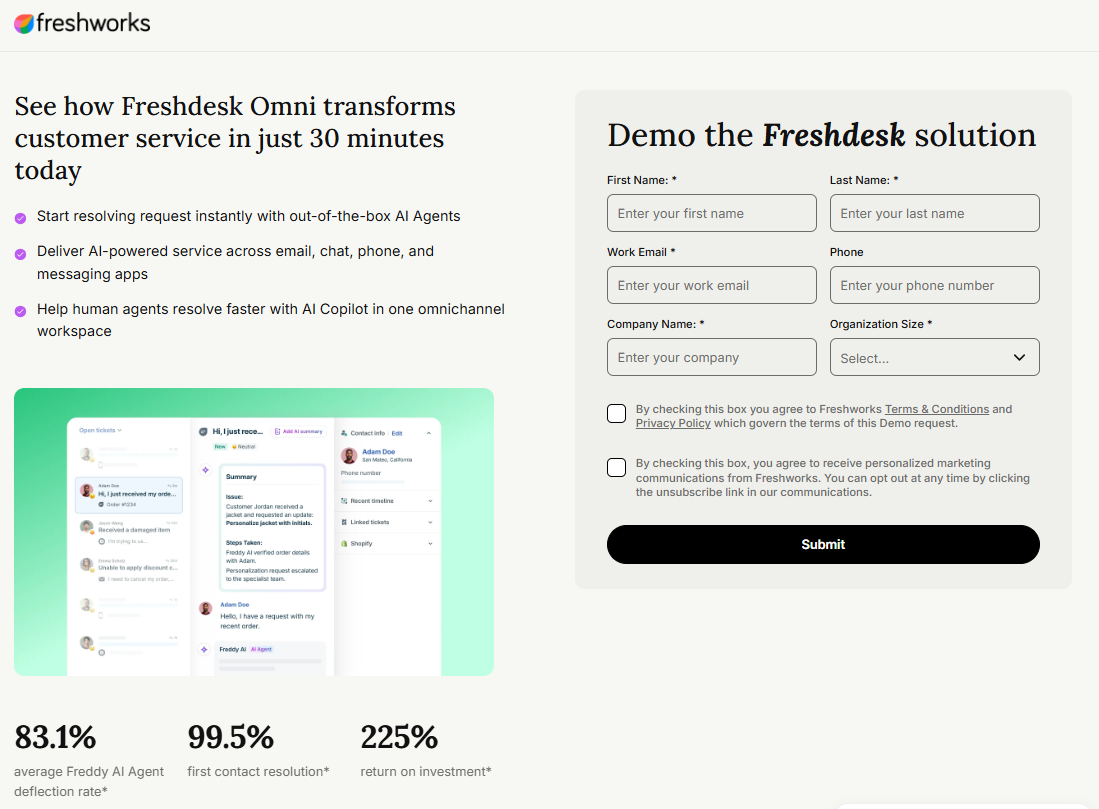
Freshdesk offers broad ticketing and automation with a gentler learning curve than the larger suites, at $19 (Growth), $55 (Pro), and $89 (Enterprise) per agent per month on annual billing. Its Freddy AI Agent is billed per session, meaning any unique interaction between a customer and the AI. Pro and Enterprise plans include 500 sessions once per account, then sessions cost $49 per 100. A Copilot add-on for human agents is priced per agent.
Website: freshworks.com/freshdesk
Pros
Low entry price and a gentler learning curve than Zendesk or Salesforce
Rules, SLAs, and AI assistance cover most standard mid-market workflows
500 free AI sessions to test on Pro and Enterprise
Cons
Sessions are billed even when the AI does not resolve the conversation, and unused sessions expire each billing cycle
The free allowance applies once per account and not on Growth
Deep customization hits limits sooner than in Zendesk or Salesforce
5. HubSpot Service Hub: best if HubSpot already runs your business
Tickets, customer history, and CRM data sit in one record, so agents and bots see the full relationship without integration work. The Breeze Customer Agent is HubSpot’s AI agent, available on Professional and Enterprise plans. Since April 14, 2026 it has been billed in HubSpot Credits at 50 credits, about $0.50, per resolved conversation, and nothing when it hands a conversation to a person. HubSpot reports that the agent resolves 65% of conversations across more than 8,000 customers who have activated it, which is the company’s own figure.
Website: hubspot.com/products/service
Pros
One record for tickets, customers, and CRM data
Published outcome-based price that is the lowest per-resolution rate in this guide
Billing applies only to conversations the agent resolves
Cons
The Customer Agent requires a Professional or Enterprise plan, and costs rise with the rest of the HubSpot suite
HubSpot defines what counts as resolved, and reviewers note that a customer who quietly gives up can still be billed
Standalone support depth is lighter than a dedicated helpdesk
6. Salesforce Service Cloud: best for upper mid-market with admin resources
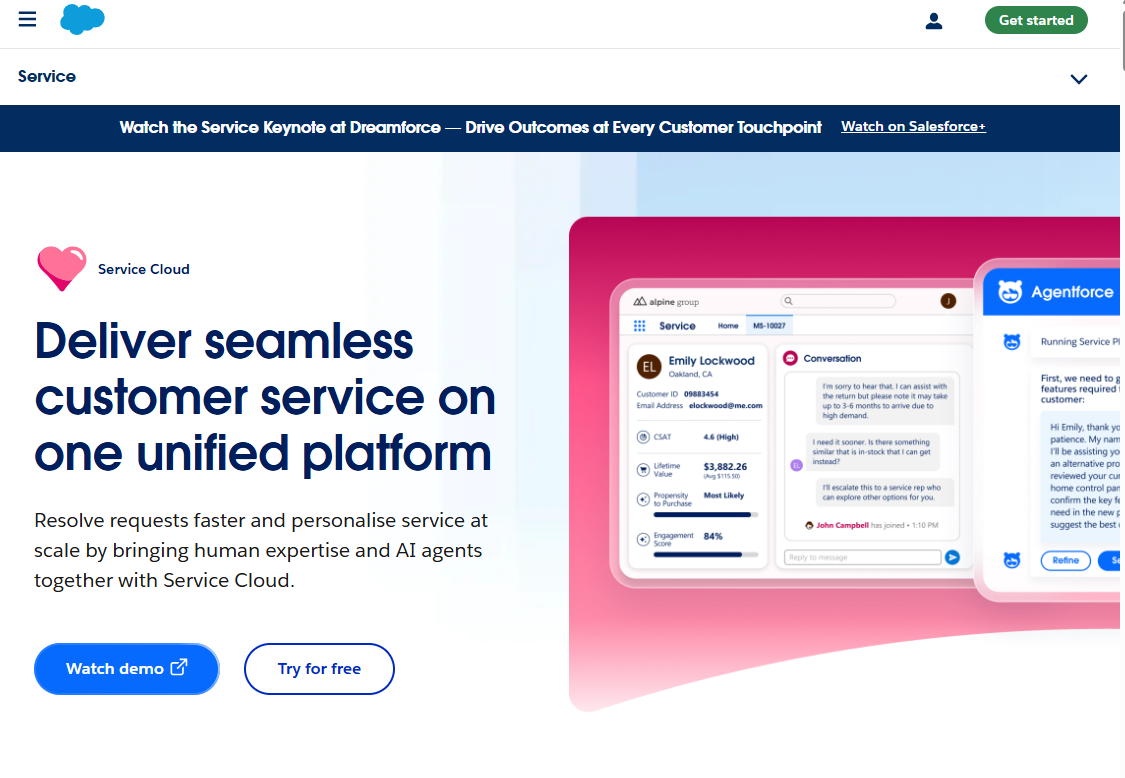
Highly configurable, with the strongest native tie to Salesforce CRM data, and the most demanding platform here to implement and maintain. Seats are priced per user by edition. AI is priced separately through Agentforce, either in Flex Credits (about $0.10 per action at list) or at $2 per conversation, and the top edition bundles a credit allowance. Salesforce now also owns Fin, which gives it a faster-to-launch agent option alongside Agentforce.
Website: salesforce.com/service
Pros
Strongest native tie to Salesforce CRM data
Highly configurable for complex support operations
Several AI pricing options, including a bundled top edition
Cons
Usually needs an experienced admin or partner, so choose something lighter if you cannot staff that
Per-action AI billing is hard to forecast
Per-user prices climb steeply by edition
7. Help Scout: best for small, high-touch teams
Help Scout favors a shared-inbox feel and simple workflows over heavy process, which suits teams that want automation without a helpdesk that feels like enterprise software. Plans cost $25 (Standard), $45 (Plus), and $75 (Pro) per user per month on annual billing. AI Answers, its customer-facing agent, answers from your knowledge sources and costs $0.75 per resolution. A resolution counts only if the customer gets an AI answer and does not escalate, search the knowledge base again, or ask for more help. New accounts get three months of AI Answers at no charge.
Website: helpscout.com
Pros
Strict billing definition, since customers who escalate or ask for more help are not charged
A monthly spending cap that switches AI Answers off when you reach it
Simple, email-like inbox that is quick to learn and quick to roll out
Cons
Less suited to complex routing, many brands, or very high volume
AI Answers responds from your content, so check whether it can complete actions in your order or billing systems
AI Answers adds a usage charge on top of seats
8. Zoho Desk: best for budget-conscious teams in the Zoho ecosystem
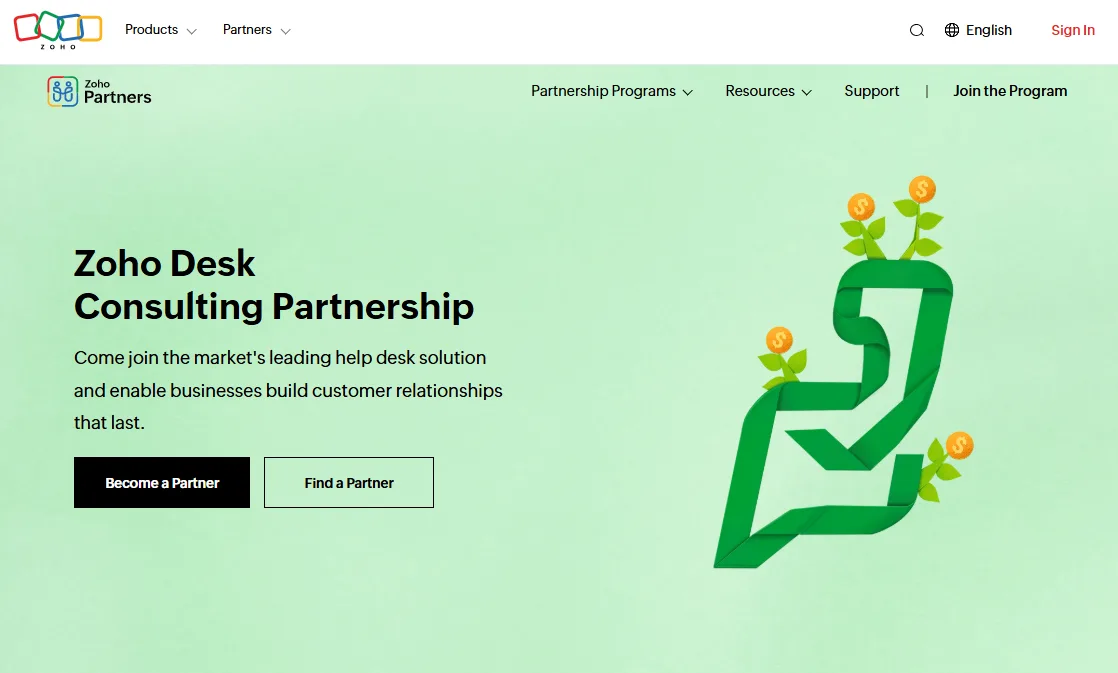
Zoho Desk offers solid ticketing and automation at a generally lower price point, with plans from $7 to $40 per agent per month on annual billing and tight integration with Zoho CRM and other Zoho products. AI agents can be built from the entry plan using your own AI key or Zoho’s model, and the built-in Zia AI assistant arrives on Professional. Zoho does not charge a per-resolution fee.
Website: zoho.com/desk
Pros
Among the lowest per-agent prices on this list
No per-resolution meter, which keeps AI costs steady
Close integration with Zoho CRM and other Zoho products
Cons
The third-party integration ecosystem and AI capabilities are narrower than the market leaders
Zia AI sits on Professional and above, so lower plans rely on your own AI key
The bot in the self-service widget and live chat features sit on the Enterprise plan
9. Gorgias: best for ecommerce

Built for online retail, Gorgias lets agents and automations act on orders, refunds, and shipping directly inside the ticket. Plans are based on billable tickets rather than agent seats, running from $10 to about $900 a month. Its AI Agent is an optional add-on billed per automated interaction. Recent reviews report roughly $0.90 to $1.50 per interaction depending on billing term and plan allowance, and Gorgias has adjusted this several times in 2026, so get the current rate in writing. An AI-resolved conversation also counts as a billable ticket.
Website: gorgias.com
Pros
Order, refund, and shipping actions inside the ticket
No per-seat charges, so adding agents costs nothing extra
Strong fit for online stores with repetitive order-status questions
Cons
A poor fit outside ecommerce
An AI-resolved conversation is billed twice, once as an automated interaction and once as a ticket
Ticket-based pricing means seasonal peaks raise the bill, and the AI pricing has changed repeatedly this year
10. Ada: best for high-volume, AI-first automation
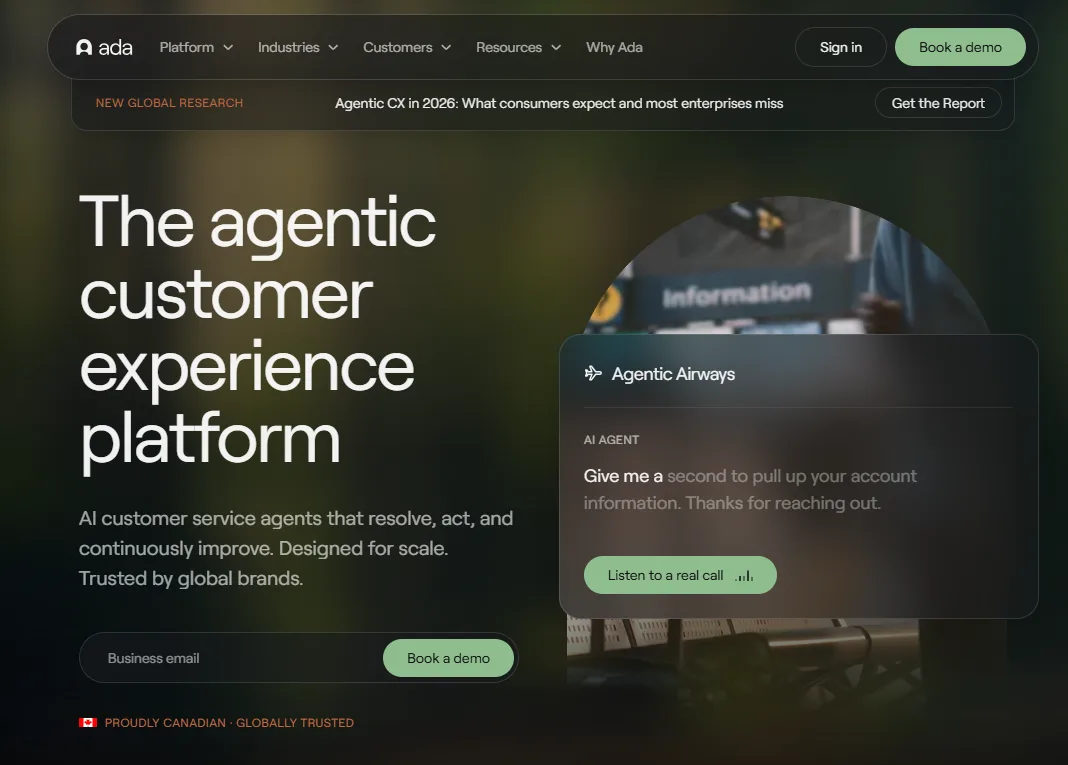
Ada focuses on resolving conversations with AI across chat, messaging, email, and voice, and it is aimed at larger, high-volume consumer-facing support teams. Ada does not publish prices. It says most customers pay per conversation, and some enterprises can use resolution-based billing. It normally sits alongside a helpdesk.
Website: ada.cx
Pros
Built around AI-first resolution across channels, including voice
Multilingual coverage
Layers over your existing support stack
Cons
No public pricing, so you need a sales quote
Conversation-based billing charges for conversations the AI does not resolve
Positioned as an enterprise platform, so a mid-market budget may fall short, and you manage a second system next to your helpdesk
11. Kommunicate: best for adding AI chat to an existing helpdesk
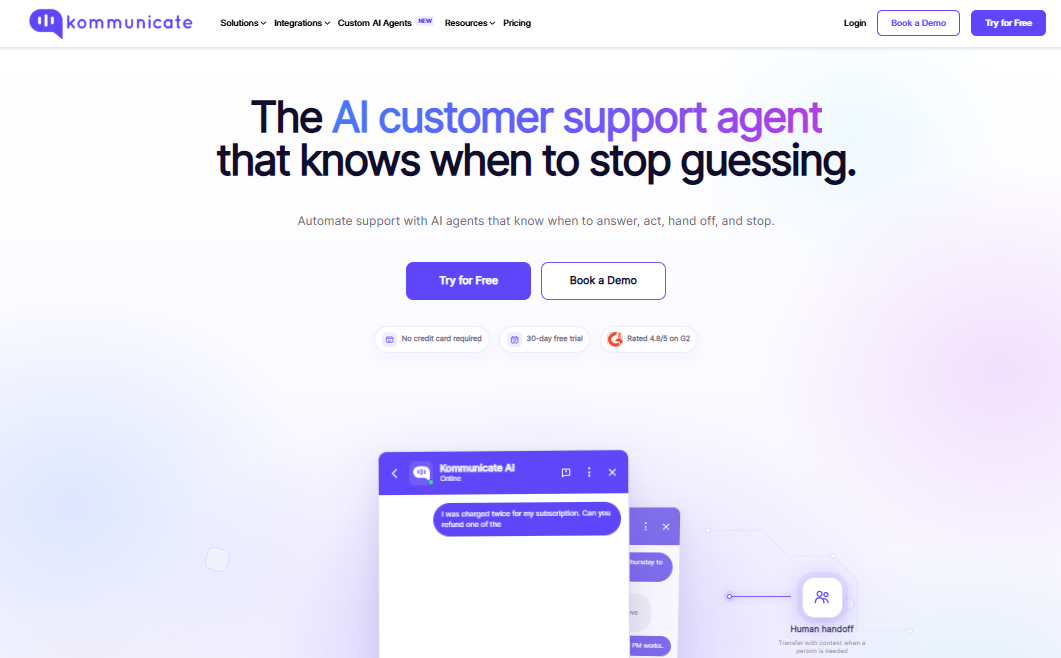
Kommunicate layers AI chatbots and live-chat handoff over your current ticketing tools across multiple channels. Pricing is plan-based with an included monthly conversation allowance. The Professional plan is listed at $200 per month with 2,000 conversations, then $10 per 1,000 extra conversations. Zendesk and Freshdesk integrations come with Professional, and Salesforce and HubSpot integrations come with Enterprise.
Website: kommunicate.io
Pros
Adds AI chat and live-agent handoff without replacing your helpdesk
No-code builder for AI agents
30-day free trial on all plans
Cons
It complements a ticketing system and does not replace one
Salesforce and HubSpot integrations require the Enterprise plan
Conversations are billed whether or not the AI resolves them, and overage is charged beyond the allowance
Platform comparison: best fit and published AI prices
Platform | Best for | How AI is billed | Published AI price, October 2026 |
|---|---|---|---|
Zendesk | Complex, multichannel support | Per automated resolution | $1.50 committed, $2.00 pay as you go |
Fin (formerly Intercom) | SaaS and chat-first teams | Per outcome | $0.99, plus Intercom seats if you use its help desk |
YourGPT | No-code AI agents on a lean team | Flat plan with AI credits | Plans from $39 per month on annual billing, credit use varies by model |
Freshdesk | Fast, low-friction rollout | Per session | $49 per 100 sessions after 500 included on Pro and Enterprise |
HubSpot Service Hub | Teams already on HubSpot | Credits per resolved conversation | About $0.50 (50 credits) |
Salesforce Service Cloud | Salesforce users with admin resources | Per action or per conversation | About $0.10 per action, or $2 per conversation |
Help Scout | Small, high-touch teams | Per resolution | $0.75 |
Zoho Desk | Budget teams and Zoho users | Bundled into per-agent plans | No per-resolution fee, plans from $7 per agent per month |
Gorgias | Ecommerce | Per automated interaction plus billable ticket | Roughly $0.90 to $1.50, as reported by reviewers |
Ada | High-volume, AI-first automation | Per conversation, by quote | Not published |
Kommunicate | AI layer over an existing helpdesk | Plan with a conversation allowance | $10 per 1,000 extra conversations |
Prices are US dollars, exclude seats and add-ons unless stated, and come from vendor pages where available. Gorgias, Salesforce, and Kommunicate figures include third-party reports, so confirm them before you budget.
How much does customer service AI cost? A worked example
Under usage-based billing, your AI bill moves with ticket volume and with how good the agent is. This example is illustrative. The ticket volumes are assumptions, and the rates are the published ones from the table above.
Assumptions: 12,000 tickets per month, 35% of them repeatable and automatable, and the AI resolves 50% of those end to end.
Automatable tickets: 12,000 × 35% = 4,200
Resolved by AI: 4,200 × 50% = 2,100 per month
Share of total volume removed: 2,100 ÷ 12,000 = 17.5%
Here is the monthly AI charge on the four platforms that publish a per-resolution rate. If the resolution rate improves to 70%, resolutions rise to 2,940, and the bill rises with them.
Platform | Rate per resolution | 2,100 resolutions | 2,940 resolutions |
|---|---|---|---|
HubSpot | $0.50 | $1,050 | $1,470 |
Help Scout | $0.75 | $1,575 | $2,205 |
Fin | $0.99 | $2,079 | $2,911 |
Zendesk (committed rate) | $1.50 | $3,150 | $4,410 |
The table excludes seats, add-ons, and the small resolution allowances some plans include. A better agent raises the invoice under every one of these models. That is fine when each resolution costs less than the agent time it replaces. At roughly 8 minutes of handling time per ticket, 2,100 tickets is about 280 agent hours, or about 1.75 full-time agents at 160 hours each.
Other billing units behave differently. Session and conversation billing, used by Freshdesk and Ada, also charge for chats the AI fails to resolve. Credit plans such as YourGPT’s depend on which AI model you run. Seat-based plans cost the same whether the seat is busy or idle. Run the same arithmetic at twice your volume with each vendor’s real quote before you sign.
How to roll out support automation in six weeks
Weeks 1 to 2: Analyze. Export three months of tickets, categorize them, and list the top 10 repeatable issues by volume.
Weeks 3 to 4: Prepare. Audit and rewrite the knowledge content for those 10 topics, because a bot trained on outdated articles gives confident wrong answers. Connect the data sources the bot needs, such as orders, accounts, and subscriptions.
Weeks 5 to 6: Launch narrow. Automate only those topics, with a visible way to reach a person and a feedback button.
Ongoing: Expand. Name one owner who reviews failed conversations every week, then add one topic at a time.
Set your first-quarter target from your own data. Take the share of tickets that fall into your top 10 repeatable issues and multiply it by a realistic resolution rate for a new deployment. In the cost example above, 35% automatable tickets and a 50% resolution rate remove 17.5% of volume.
Track resolution rate, escalation rate, and repeat contact within 7 days. A customer who gives up is a lost customer, so a falling ticket count alone is no proof that the automation works.
Questions
Frequently asked questions
What is a customer service automation platform?
It is software that handles parts of the support workflow without human effort: routing tickets, answering common questions with AI, triggering follow-ups, and escalating complex cases to agents with context attached.
How much does customer service automation software cost for mid-market companies?
It varies by model: per agent seat, per AI resolution, per ticket volume, credits, or a combination. Compare total cost at current and 2x volume, and ask about add-on and AI usage fees.
How long does Customer Support AI implementation take?
It depends on tools, some can be launch in a few weeks and some with Enterprise-grade configurations commonly take months, mostly because of integration, reliable rollout and setup work.
What’s the difference between deflection and resolution?
Deflection means the customer didn’t create a ticket. Resolution means their problem was actually solved. Only resolution reliably indicates a good outcome.
Will automation replace our support agents?
It more often changes the work than removes it. Routine questions get handled automatically, and agents focus on complex, high-value conversations.
What customer support metrics should we track?
Resolution rate, escalation rate, 7-day repeat contact, first response time, customer intent, customer satisfaction, and cost per resolution.
Can automation work with our existing CRM and billing tools?
Usually, but depth varies. During your trial, test a real use case such as checking an order status or changing a subscription.
Conclusion
No single platform wins for every mid-market team, so match the platform to your situation using the quick picks and the criteria table above. Zendesk and Freshdesk are the safest full helpdesks, Fin and Ada add an AI layer to a helpdesk you keep, HubSpot and Salesforce win on CRM data, Gorgias wins in ecommerce, and Help Scout and Zoho Desk win on simplicity and cost. YourGPT is the pick for lean teams that want no-code agents acting across connected systems, as long as its resolution figures hold up on your own tickets.
Vendor resolution figures use each vendor’s own definition, so test any shortlisted platform on a sample of your past tickets. Three things you control will shape the result more than the logo: clean knowledge content, deep integrations, and a named owner who reviews failed conversations every week.
WebTechOS accepts no payment for coverage, placement or scores. Where a piece references pricing, it reflects published list rates at the date shown.
Keep reading
All insights →I tried 7 Discord alternatives to find the best platform (2026)
We tested 7 Discord alternatives, from Slack to Google Chat, as both an admin and a member. See which platform actually fits your community in 2026.
ChatGPT vs Grok: Which Is Better for Coding, Writing and Research?
ChatGPT vs Grok for coding, writing and research: independent test data, real costs per task and plan pricing, so you know which one to pay for.
ChatGPT vs Gemini: Which AI Assistant Wins in 2026?
ChatGPT vs Gemini in 2026: compare GPT-6 Sol and Gemini 4 Argon on writing, research, coding, price and privacy, and pick the right assistant.
Zapier Pricing 2026: What Each Plan Actually Costs
Zapier pricing 2026: see exactly what Free, Professional, Team, and Enterprise cost, how task billing works, and which plan actually fits you.