15 Best OpenClaw Alternatives (Tested and Ranked)
15 OpenClaw alternatives, checked against official pricing and docs: secure open-source forks, managed agents, and tools built for coding or automation.
31 Oct 2026·30 min read·Insights
OpenClaw asks for more trust than almost any app you've ever installed. It's a free, open-source agent that works through apps you already use (WhatsApp, Telegram, Slack) and it can open your browser, send your emails, and touch your files without asking first. That's exactly why it got so popular, and exactly why government offices in China have banned staff from running it on work computers.
That's the tradeoff behind a lot of "install and forget" AI agents: the same openness that makes them useful is what makes them risky. If giving an agent that much access to your machine makes you uneasy, you're not overreacting.
If that tradeoff doesn't sit right with you, or the setup alone was more than you bargained for, you don't have to give up on AI agents altogether. I checked the documentation, pricing pages, and GitHub repos behind 15 real alternatives: tighter open-source forks, fully managed tools, and options built specifically for coding or business automation instead of general chat. Here's where to start and why each one made the list.
Reasons to Look Beyond OpenClaw
OpenClaw is a capable AI agent, but its complex setup, maintenance needs, and security considerations may not suit everyone. Some users prefer simpler tools with features built for specific tasks.
Here are some common reasons to consider an OpenClaw alternative:
Complex setup: OpenClaw requires technical knowledge for installation, configuration, and connecting external services. Some alternatives offer simpler onboarding and ready-to-use features.
Security concerns: AI agents that access local files, messaging platforms, and external applications can introduce security risks. Users may prefer alternatives with stronger sandboxing, restricted permissions, and approval controls.
Resource requirements: Running OpenClaw continuously may require dedicated hardware or cloud hosting. Lightweight alternatives can be more suitable for users with limited computing resources.
Ongoing maintenance: Self-hosted agents need regular updates, monitoring, and troubleshooting. Managed alternatives can reduce these responsibilities and make daily operations easier.
Specific use cases: Not everyone needs a general-purpose AI agent. Developers may prefer coding agents, while businesses may need workflow automation, customer support tools, or multi-agent systems.
Cost considerations: Although OpenClaw is open source, running it can involve API usage fees, hosting expenses, and maintenance costs. Some alternatives offer predictable subscription pricing or lower operating costs.
Ease of use: OpenClaw provides extensive customization, but users without technical experience may find it difficult to manage. Alternatives with visual interfaces and prebuilt integrations can be easier to operate.
Integration requirements: OpenClaw supports multiple channels and tools, but it may not cover every business workflow out of the box. Some alternatives provide native integrations with specific applications and services.
The best OpenClaw alternative depends on your technical experience, budget, security requirements, and the tasks you want to automate.
How I Evaluated and Ranked OpenClaw Alternatives
To compare the best OpenClaw alternatives, I considered their features, usability, security, pricing, and suitability for different use cases. Our evaluation focused on how effectively each tool could serve as a replacement for OpenClaw.
I used five key criteria:
Features and Capabilities: Agent autonomy, task execution, memory, tool integrations, and workflow automation.
Ease of Use: Installation complexity, configuration, documentation, and accessibility for beginners.
Integrations and Ecosystem: Supported AI models, messaging platforms, APIs, plugins, and community resources.
Pricing and Value: Subscription costs, API usage fees, hosting requirements, and overall value.
Security and Support: Permission controls, sandboxing, data privacy, maintenance, and available support.
I also considered practical use cases, including task automation, app integrations, local deployment, and multi-step workflows, while distinguishing direct OpenClaw alternatives from specialized AI agents and automation platforms.
At a Glance
Hermes Agent: The closest open-source replacement, with a stronger security model and a built-in OpenClaw migration path.
NanoClaw: Runs every conversation in its own isolated container so one compromised chat can't reach the rest of your system.
ZeroClaw: A Rust rewrite light enough to run on hardware OpenClaw can't touch.
IronClaw: Keeps credentials in a vault the agent itself never sees, with every tool call sandboxed by default.
PicoClaw: An even more extreme edge build, aimed at $10 boards and physical IoT hardware.
Claude Cowork: Anthropic's own agentic desktop app for working inside your files and apps, not a messaging bot.
Claude Code: Anthropic's coding agent, for when your "automation" problem is actually a software problem.
Manus AI: A fully cloud-hosted agent for research and browsing tasks, with nothing to install.
n8n: Visual workflow automation with built-in AI agent steps, for teams automating processes instead of running chatbots.
Zapier: The largest app-integration catalog of any tool here, with no server required.
Dify: A visual canvas for building your own LLM-powered agent workflows, open source.
CrewAI: A developer framework for coordinating several role-based agents on one task.
LangGraph: Define your agent as an explicit, auditable state machine instead of a black box.
Lindy: A no-code builder for one or two specific assistants, not a general-purpose agent.
Goose: Block's open-source coding agent, built on MCP and compatible with any model provider.
Best OpenClaw Alternatives
Here are the 15 alternatives, grouped roughly by how closely they compete with OpenClaw itself: open-source forks first, then managed agents, automation platforms, and developer frameworks.
1. Hermes Agent
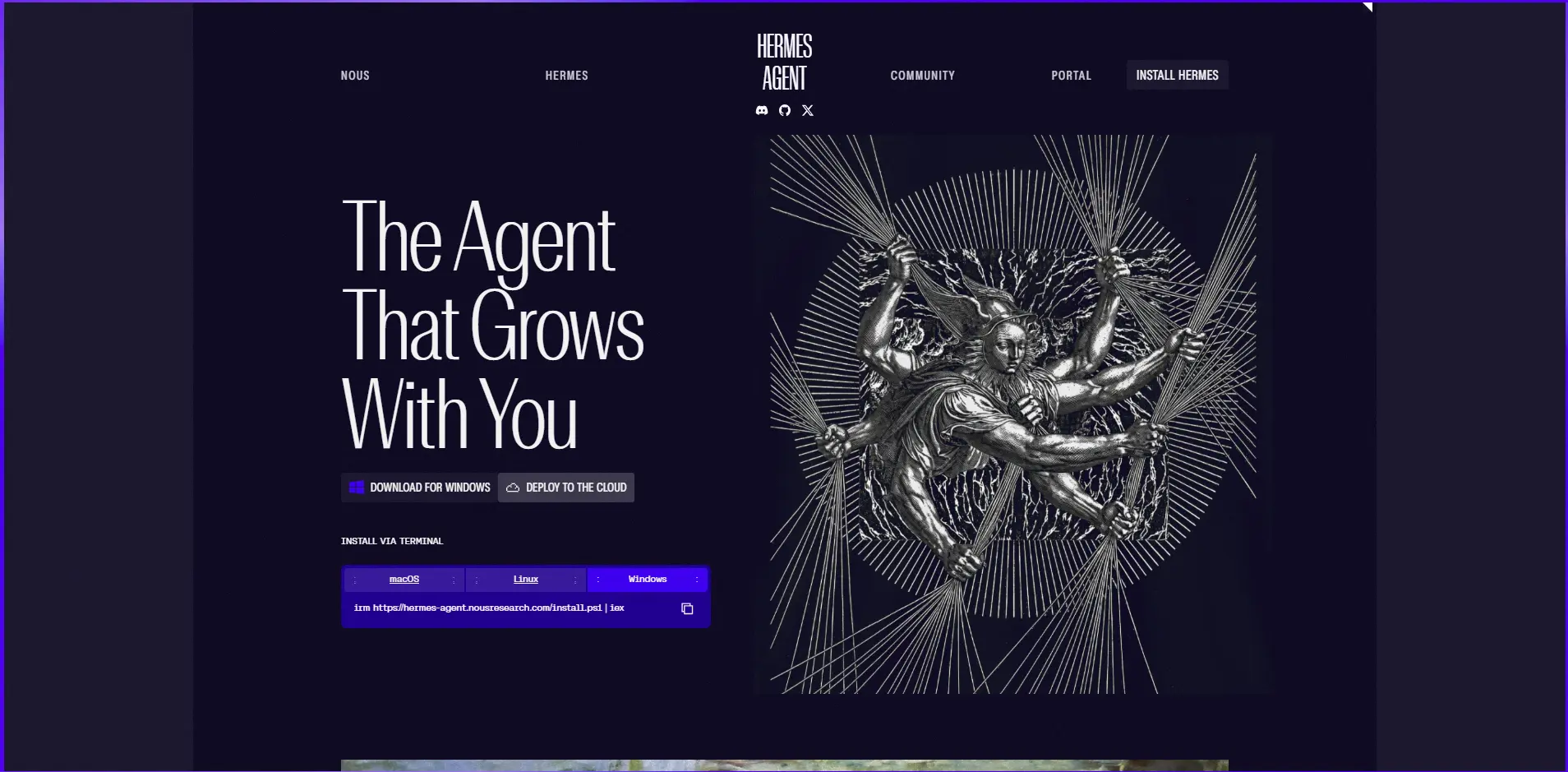
Hermes Agent is an open-source, self-hosted AI agent built by Nous Research as a direct response to OpenClaw, and it is built around the same core idea of a persistent agent you reach through messaging apps rather than a dashboard. It adds a self-improving loop: after completing a task, it writes a reusable skill to local memory so a similar request later runs faster without a fresh model call. It also ships a migration command that imports an existing OpenClaw setup instead of making you rebuild one from scratch. It's positioned as the closest like-for-like replacement for someone leaving OpenClaw specifically over security or architecture concerns.
Features
Self-improving skill loop: completed tasks get written to local memory as reusable skills
Persistent, local memory (SQLite-based) that survives restarts
Direct OpenClaw migration tooling to import an existing setup
Works across the same major messaging platforms as OpenClaw (Telegram, Discord, Slack, WhatsApp, Signal)
Published, documented security architecture rather than relying on manual sandboxing
Advantages
Easiest migration path of any alternative here if you're already running OpenClaw
The self-improving loop genuinely reduces repeat API calls on recurring tasks
MIT license with an active, fast-shipping release cadence
Disadvantages
Self-written skills can accumulate messily over time without manual pruning
Community size and third-party skill library are both smaller than OpenClaw's, since OpenClaw had a year's head start
Pricing
Free and open source (MIT license)
No official hosted or managed tier; you provide your own server and model API key
Running cost is your own infrastructure plus whichever model API you connect, not a licensing fee
Best for: anyone who likes OpenClaw's model and wants a safer, self-improving foundation under it.
2. NanoClaw
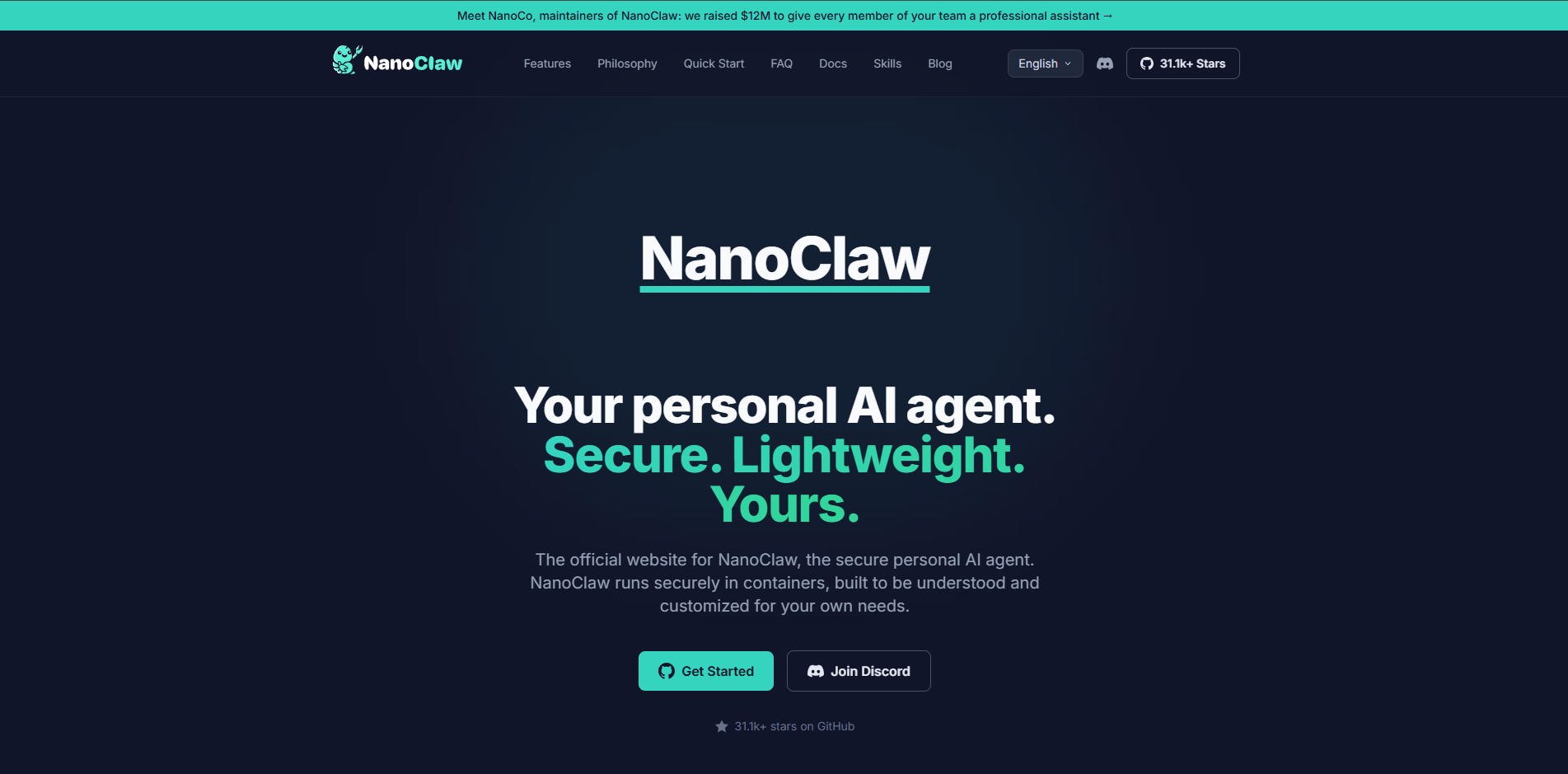
NanoClaw is a lightweight, security-focused rewrite of the OpenClaw agent model that isolates every conversation thread in its own container rather than running everything in one shared process. The idea is simple: if one conversation gets compromised through a prompt injection or a malicious file, it can't reach into your other conversations or the rest of your system. It keeps OpenClaw's general approach to channels and skills, so the learning curve for OpenClaw users is small. It trades some of OpenClaw's raw simplicity for a meaningfully smaller blast radius if something goes wrong.
Features
Docker-style container isolation scoped per conversation, not per install
Compatible with OpenClaw's existing channel and skill conventions
No shared state between isolated sessions by default
Free and open source
Lightweight enough to run alongside other self-hosted services on modest hardware
Advantages
Meaningfully reduces the "one bad conversation compromises everything" risk in OpenClaw's default setup
Familiar enough to OpenClaw users that switching doesn't mean relearning the whole system
Active open-source development with a clear, narrow security thesis
Disadvantages
Container isolation adds real setup overhead and requires at least basic Docker comfort
Running many isolated containers costs more memory and CPU than OpenClaw's single-process model
Pricing
Free and open source
No managed or hosted tier currently offered
Cost is your own hosting plus model API usage
Best for: people who want OpenClaw's behavior but don't trust a single shared process with everything.
3. ZeroClaw
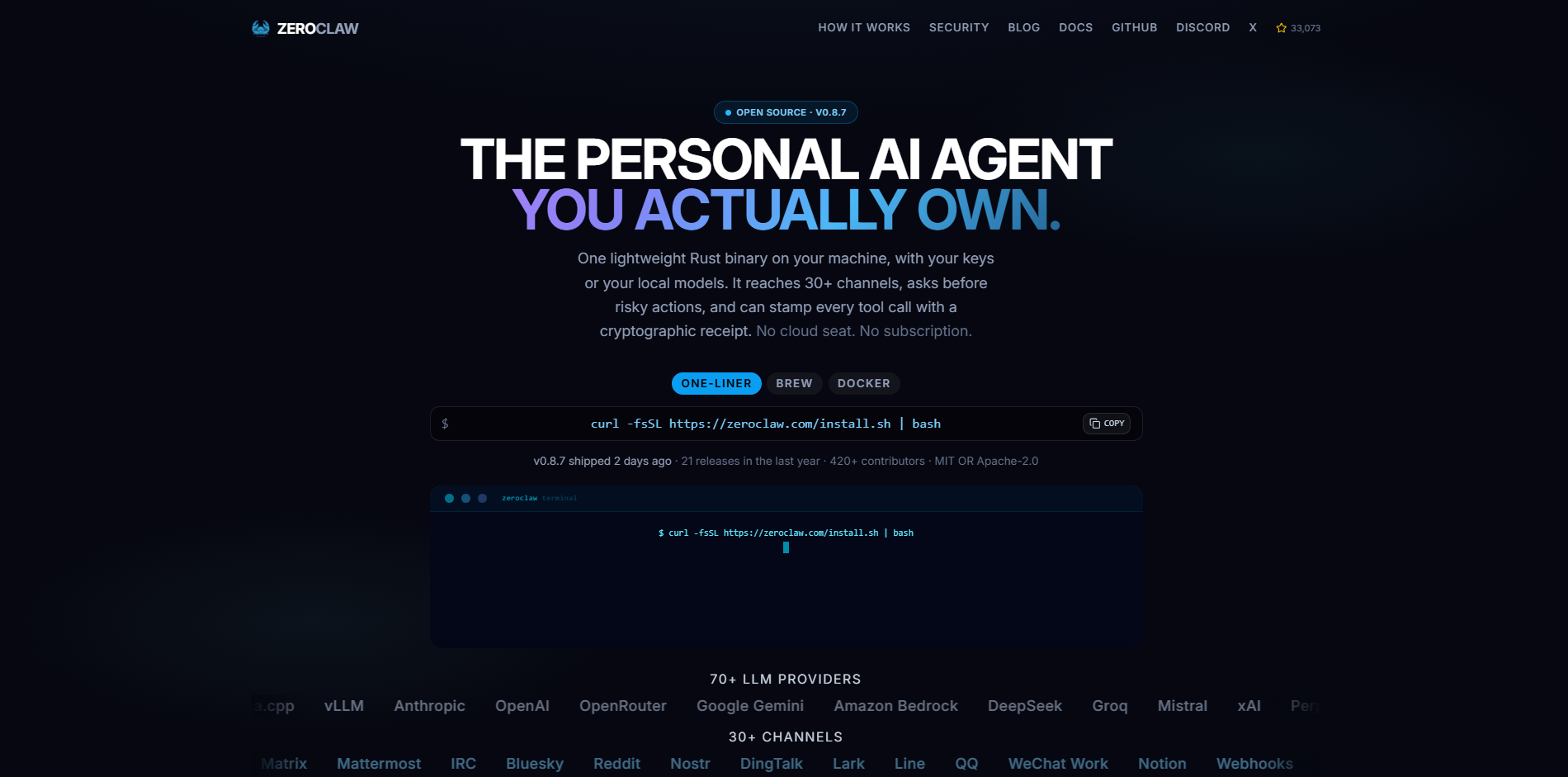
ZeroClaw is a ground-up rewrite of the OpenClaw agent concept in Rust rather than a fork of OpenClaw's own codebase, built specifically to run on hardware OpenClaw's heavier Node.js-based stack can't handle. It ships as a single lightweight binary with minimal runtime dependencies, aimed at low-power devices like a Raspberry Pi, an old mini PC, or inexpensive microcontroller-class boards. Messaging-app integrations arrived later in its development and are functional but less mature than OpenClaw's. It's the pick when the deciding factor is "will this even run" rather than feature breadth.
Features
Single compiled Rust binary with no heavy runtime dependencies
Designed from the ground up for constrained memory and CPU
Same general messaging-app control model as OpenClaw (Telegram, Discord, Slack)
Fast cold-start time compared to Node.js-based agents
Open source under a permissive license (Apache-2.0, per public repository listings)
Advantages
Genuinely runs on hardware too small or cheap for OpenClaw itself
Much faster startup time, which matters when running many mostly-idle instances
Rust's memory safety reduces a category of bugs common in less disciplined agent codebases
Disadvantages
Smaller community and thinner documentation than OpenClaw, simply from being newer
Messaging integrations are less mature, having been added after the core runtime
Pricing
Free and open source (Apache-2.0, per public repository listings)
No official managed hosting option found
Only cost is your own hardware/hosting and model API usage
Best for: running an agent on hardware too small or too cheap for OpenClaw itself.
4. IronClaw
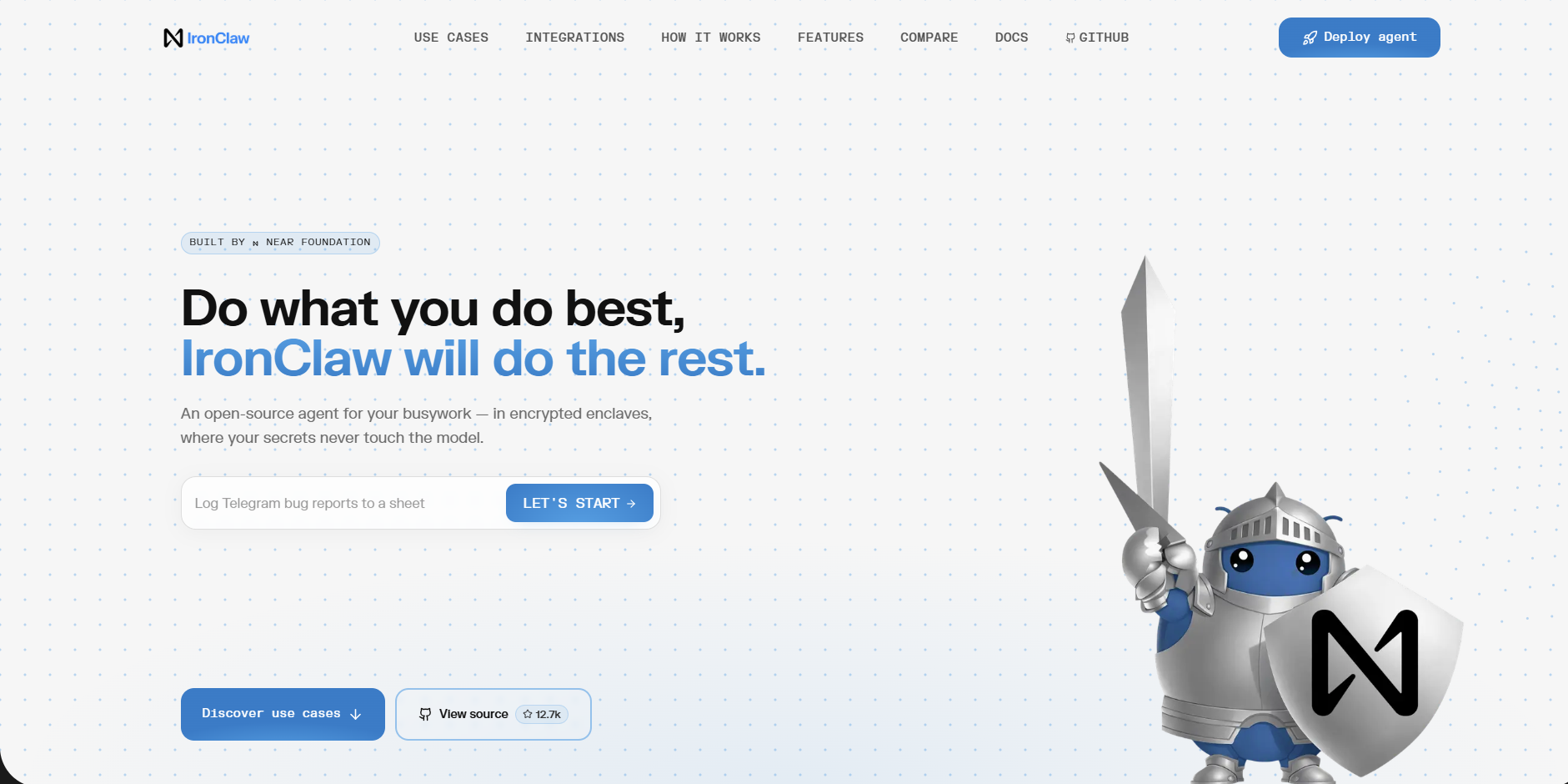
IronClaw takes a narrower, more specific security angle than the other forks on this list: credentials and API keys are handled through a vault layer the agent itself never directly reads, and every tool call runs inside a sandbox by default rather than requiring you to opt into sandboxing. It's aimed squarely at technical teams who want to give an agent real production access without handing it the literal keys. The tradeoff is setup complexity: IronClaw is the most configuration-heavy option among the open-source forks, precisely because that configuration is what buys the security model.
Features
Secrets vault the agent can use without ever reading the underlying credential
Sandboxed execution for every tool call by default, not opt-in
Self-hosted, with configuration aimed at technical or DevOps-comfortable users
Granular permission scoping per tool and per credential
Open source, auditable security architecture
Advantages
The strongest credential-isolation model of any tool on this list
Default-sandboxed execution closes a real gap in OpenClaw's default configuration
Appeals to regulated or security-conscious teams who can't accept OpenClaw's broader access model
Disadvantages
The most configuration-heavy setup here; expect real-time investment before it's running
Arguably more friction than necessary for casual personal use
Pricing
Free and open source
No managed hosting tier
Cost is your own infrastructure plus model API usage
Best for: regulated teams or anyone self-hosting an agent with access to real production credentials.
5. PicoClaw
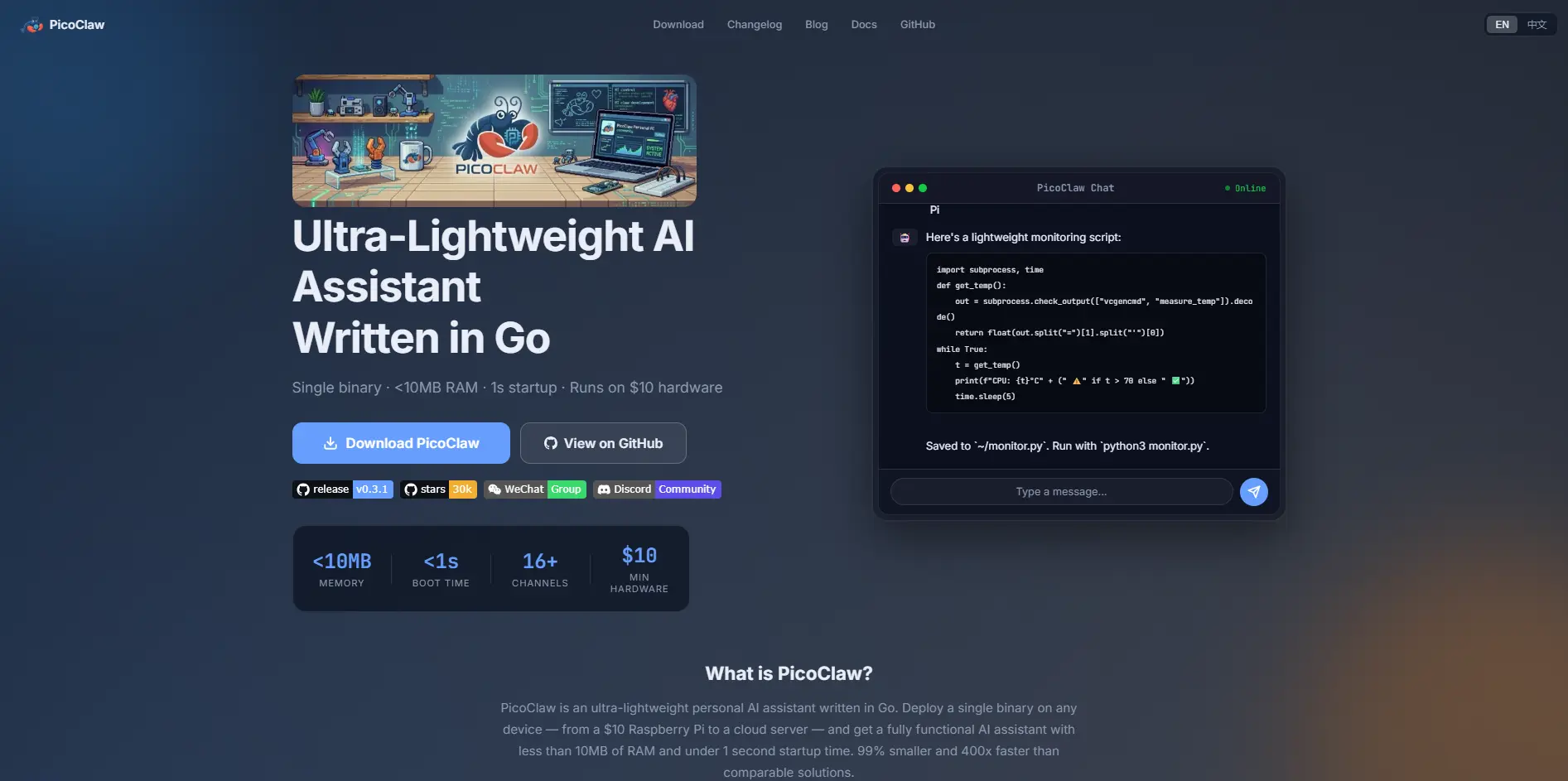
PicoClaw comes from Sipeed, a hardware company, and targets a category none of the other forks touch: $10-class boards, RISC-V and MIPS hardware, and devices that need to read physical sensors or drive peripherals over I2C/SPI. Its exact relationship to OpenClaw is genuinely disputed: some writeups describe it as a stripped-down fork, while PicoClaw's own materials describe it as an independent project "inspired by" OpenClaw and the smaller nanobot project rather than a fork of either. What isn't disputed is the goal: go lighter and run on more constrained hardware than anything else on this list, including ZeroClaw.
Features
Written in Go, cross-compiles to RISC-V and MIPS boards, not just ARM
Can read physical sensors over I2C/SPI and drive hardware peripherals, unique on this list
Targets $10-class single-board computers and old Android phones via Linux deployment
Workspace sandboxing and dangerous-command blocking built in
Supports the same major chat platforms (Slack, Telegram, Discord) as the rest of the field
Advantages
Runs on hardware nothing else on this list can touch
Physical I/O capability opens genuine IoT and embedded use cases
Fast cold start, useful for edge fleets and mostly idle devices
Disadvantages
Multiple independent write-ups describe it as pre-1.0 and explicitly not production-ready from a security standpoint
No browser automation yet, and sources disagree sharply on its actual memory footprint (claims range from under 10MB to a 2GB minimum)
Pricing
Free and open source
No managed hosting tier
Cost is your own hardware and model API usage
Best for: IoT and physical-hardware projects on $10-class boards, not general computing use.
6. Claude Cowork
Claude Cowork is Anthropic's own agentic desktop app, built for knowledge work rather than always-on background automation. Instead of waiting for a message on Telegram, it works inside the files and apps already open on your computer, at your direction: drafting in a document, working through a spreadsheet, or coordinating a multi-step task across apps you're already using. It runs entirely on Anthropic's infrastructure, so there's no server to set up or maintain. It's a genuinely different shape of tool from OpenClaw, included here because "I want an agent, but not one I have to host" is one of the most common reasons people end up comparing the two.
Features
Works directly inside documents, spreadsheets, and connected apps
No self-hosting or server maintenance; runs on Anthropic's infrastructure
Access is bundled into existing paid Claude plans rather than sold as a separate product
Multi-step task handling across apps within a single session
Backed by the same model family used across Claude's chat and API products
Advantages
Zero infrastructure to manage; sign in and it works
Tight integration with everyday knowledge work (docs, spreadsheets) that OpenClaw doesn't specifically target
Pricing is predictable and tied to a subscription you may already have
Disadvantages
Not built to sit idle and respond to a message at 2 a.m. the way OpenClaw is; it's an assistant you direct, not an always-on background agent
No self-hosting option if you want full control over where your data lives
Pricing
Included with the Pro plan: $20/month, or $17/month billed annually
Higher usage available on Max 5x ($100/month) and Max 20x ($200/month)
Team Standard seat: $25/seat/month ($20/seat/month billed annually)
Team Premium seat: $125/seat/month ($100/seat/month billed annually)
Enterprise: custom pricing, contact sales
Best for: people already paying for Claude who want agentic help in their existing documents and workflows, not a standalone messaging bot.
7. Claude Code
Claude Code is Anthropic's agentic coding tool: it reads your actual codebase, plans and writes changes, runs commands, and works through a development task end to end, from the terminal, inside an IDE, in a desktop app, or on the web for longer-running cloud tasks. It's a different category entirely from OpenClaw's general messaging-triggered automation, included here because "I wanted an agent specifically for coding" is one of the most common reasons people land on a list like this one. If your actual problem is software rather than general life automation, this tool is a more direct fit than adapting a general-purpose agent to the job.
Features
Reads and edits your real codebase directly, rather than working from a description of it
Available from the terminal, VS Code, JetBrains IDEs, a desktop app, and the web
Plans multi-step changes and runs the commands needed to execute them
Integrates with existing development tools and version-control workflows
Backed by Anthropic's infrastructure; no self-hosting required
Advantages
Purpose-built for code, with none of the generalization overhead of bending a personal assistant toward software tasks
Works across multiple surfaces (terminal, IDE, desktop, web) without switching tools
Session continuity lets you move between surfaces on the same task
Disadvantages
Not built for the general browsing, messaging, and everyday-task automation OpenClaw handles this; this isn't an assistant that checks your email or books a flight
No free tier; requires a paid Claude plan or direct API access
Pricing
No free tier for Claude Code specifically
Included with the Pro plan: $20/month, or $17/month billed annually
Higher usage available on Max 5x ($100/month) and Max 20x ($200/month)
Also usable via direct Anthropic API billing, pay-as-you-go, and separate from subscription plans
Best for: developers who want an agent specifically for coding work, not a general-purpose assistant.
8. Manus AI
Manus is a fully cloud-hosted general-purpose agent built around research, browsing, and multi-step task completion, with nothing to install on your own machine. Every task runs inside its own sandboxed cloud environment, which sidesteps the entire "what can this touch on my computer" concern that follows OpenClaw around. It uses a credit-based billing system, where the cost of a task depends on how complex or lengthy it is rather than a flat per-message rate. Manus released a significant update, Manus 2.0, on September 28, 2026, adding a new agent harness and optional persistent cloud computers you can rent alongside your plan. It's a good fit for people who want an autonomous agent for research-heavy or browsing-heavy work without taking on any infrastructure themselves.
Features
Fully cloud-hosted; no local install, no server to maintain
Browses the web and executes multi-step tasks inside an isolated sandbox
Credit-based usage that scales with task complexity rather than flat per-message pricing
Free plan with a daily credit refresh for light, ongoing use
Team plans with pooled, shared credit allowances across seats
Advantages
Nothing to install or maintain; works from a browser immediately
Sandboxed execution removes local-machine security concerns entirely
Free tier is genuinely usable for small, periodic tasks, not just a trial
Disadvantages
Because it doesn't run on your machine, it can't directly automate your own local tools, files, or apps the way a self-hosted agent can
Credit-based pricing makes cost harder to predict than a flat subscription, especially for complex tasks
Pricing
Free: $0/month; 300 credits/day, capped at 1,500/month
Pro: $20, $40, or $200/month for 4,000, 8,000, or 40,000 credits (17% off billed annually)
Team: from $20/seat/month, adding SSO and usage analytics
Cloud Computer add-on (new in Manus 2.0): $30 or $50/month, billed separately
Plan names and credit amounts have changed before; confirm on the live pricing page
Best for: research and browsing-heavy tasks where you'd rather not manage any infrastructure at all.
9. n8n
n8n is a visual workflow automation platform that happens to include AI agent nodes, letting you trigger an agent as one step in a larger "when X happens, do Y and Z" workflow rather than running a standalone chatbot. It ships both as a free, self-hosted Community edition you fully control and as a managed cloud product with execution-based pricing. For teams whose actual goal was automating a business process rather than having a conversational assistant, this approach is frequently the more useful shape of tool than adapting OpenClaw to the job. Its AI nodes, MCP support, and large integration catalog mean you can fold agent behavior into the business systems you already run.
Features
Visual, node-based workflow builder covering 1,700+ integrations
Native AI Agent node, MCP client and server support, and human-approval steps for tool calls
Free, self-hosted Community edition available on GitHub
Execution-based cloud pricing rather than per-task or per-step billing
Workflow versioning, Git-based version control, and environment separation on higher tiers
Advantages
Execution-based pricing (one run = one execution, regardless of steps) is more predictable than per-step billing models
Large integration catalog means it likely already connects to whatever system you need
Full self-hosting option for teams that want zero vendor lock-in
Disadvantages
It's a workflow and automation tool first, agent platform second; not built to hold an open-ended conversation the way OpenClaw is
The Business plan is self-hosted only as of this writing, not yet available on n8n's own managed cloud
Pricing
Community Edition: free, self-hosted, available on GitHub
Starter: 20€/month billed annually, 2,500 workflow executions/month
Pro: 50€/month billed annually, 10,000 workflow executions/month
Business: 667€/month billed annually, 40,000 workflow executions/month (self-hosted only)
Enterprise: custom pricing, contact sales
A 50% off startup plan is available for companies under 20 employees
Best for: teams who want agent behavior embedded in automation they already run, not a standalone personal assistant.
10. Zapier
Zapier is the oldest and most broadly integrated no-code automation platform on this list, connecting more apps than any competitor and now including AI-agent-style steps (Zapier Agents, Chatbots, Canvas, and MCP) alongside its core workflow engine. If the actual reason you were looking at OpenClaw was "I want things to happen automatically across the apps I already use," Zapier solves that without any of OpenClaw's local-machine access or self-hosting tradeoffs. Pricing is based on a monthly task allowance that scales with your plan and chosen tier, with a free plan that's genuinely usable for simple, low-volume automations.
Features
9,000+ app integrations, the largest catalog of any tool on this list
Zapier Agents, Chatbots, and Canvas for building AI-assisted workflows without code
Zapier MCP lets AI tools like Claude or ChatGPT trigger actions across connected apps
Multi-step workflows with filters, paths, and conditional logic on paid plans
Fully hosted; no server or infrastructure to manage
Advantages
Largest integration catalog means it very likely already connects to whatever you use
No self-hosting, no infrastructure, and a genuinely usable free tier
AI Agents and MCP support mean it's no longer limited to simple trigger-action automations
Disadvantages
Built around triggers and actions between apps, not an open-ended conversational agent you can hand a loosely defined goal to
Task-based pricing can get expensive quickly at higher volumes compared to execution-based competitors like n8n
Pricing
Free: $0, 100 tasks/month, two-step Zaps only
Professional: from $19.99/month billed annually (750 tasks/month), scaling with task tier
Team: from $69/month billed annually (2,000 tasks/month), up to 25 users
Enterprise: custom pricing, contact sales
Zapier Agents and Chatbots are separate add-on products with their own free tiers and pricing
Best for: non-technical users who want reliable automation across common business apps, not a general-purpose agent.
11. Dify
Dify sits between a no-code builder and a full developer framework: a visual canvas for building LLM-powered applications, chatbots, and agent workflows, open source at its core, with both a free self-hosted option and a managed cloud plan. It supports most major model providers (OpenAI, Anthropic, Llama, Azure OpenAI, and local models via Ollama), so you're not locked into one vendor. It's a reasonable middle ground if OpenClaw feels too unstructured for what you're building, but a full code-first framework like LangGraph feels like overkill for the task.
Features
Visual canvas for building and testing agent workflows, chatbots, and RAG pipelines
Multi-model support, including OpenAI, Anthropic, Llama, Azure OpenAI, and local models via Ollama
Open-source core, fully self-hostable under Dify's license
Managed cloud option with team workspaces and knowledge-base document uploads
Built-in RAG (retrieval-augmented generation) pipeline support out of the box
Advantages
Visual builder lowers the barrier to building real agent workflows compared to writing raw code
Multi-model support avoids vendor lock-in
Fast path from a prompt to a working, deployable agent, with RAG built in
Disadvantages
It's a platform for building agent workflows, not a finished personal assistant; there's real assembly required before you get something that behaves like OpenClaw out of the box
The free Sandbox plan's message credits are a fixed total rather than a monthly refill, which is easy to misread as recurring
Pricing
Sandbox (free): $0, 200 message credits total, 1 team workspace
Professional: $59/month, or $590/year billed annually (~17% off); 5,000 message credits/month, 3 team members, 50 apps
Team: $159/month, or $1,590/year billed annually; higher message, app, and storage limits
Enterprise: custom pricing, contact sales
Community edition (self-hosted, open source): free, all core features under Dify's open-source license
Best for: teams that want to design their own agent logic visually without starting from raw code.
12. CrewAI
CrewAI is a developer framework for coordinating several AI agents on one task, each with a defined role, rather than relying on a single general-purpose agent to do everything itself. The core framework is free and open source, while CrewAI's commercial layer, offered as a managed SaaS (CrewAI AMP) or a containerized self-hosted option (CrewAI Factory), targets teams deploying agent fleets at production scale. As of this writing, CrewAI's official pricing page lists only a free tier and custom Enterprise pricing, with no published self-serve paid tier in between; an earlier $25/month Professional tier has reportedly been discontinued.
Features
Role-based multi-agent orchestration: each agent has a defined role, goal, and tools
Open-source core framework, free to use and self-host
CrewAI AMP: fully managed SaaS for deploying agent crews without hosting them yourself
CrewAI Factory: a containerized, self-hosted enterprise option for on-premises or private-cloud deployment
Works with most major LLM providers rather than locking you into one
Advantages
Purpose-built for coordinating multiple specialized agents, a genuinely different pattern from OpenClaw's single-agent model
Free, open-source core with no artificial feature gating for self-hosters
Choice of fully managed (AMP) or self-hosted (Factory) deployment at the enterprise tier
Disadvantages
This is a framework you build with, not a finished product; expect real development work between installing it and having something running
No published self-serve paid tier exists between Free and custom Enterprise pricing, which can leave growing teams without an obvious next step
Pricing
Free (Basic): $0, open-source framework, self-hosted
Enterprise (CrewAI AMP or CrewAI Factory): custom pricing, contact sales
No published self-serve paid tier between Free and Enterprise as of this writing
Best for: developers building a custom multi-agent system rather than adopting a ready-made one.
13. LangGraph
LangGraph, from the team behind LangChain, represents the opposite end of the spectrum from OpenClaw's install-and-go simplicity: you define your agent as an explicit state machine, controlling exactly what it's allowed to do at each step rather than trusting a more opaque agent loop. The open-source library itself is completely free, with no usage limits, under the MIT license. LangChain also sells a separate commercial layer, LangGraph Platform, for teams that want managed deployment, monitoring, and production observability for agents built with the library. It trades OpenClaw's immediacy for predictability: the right tradeoff once an agent's mistakes have real consequences.
Features
Explicit, inspectable state-machine control flow instead of a black-box agent loop
Free, open-source core library (MIT license) with no usage limits
LangGraph Platform adds managed deployment, monitoring, and durable execution for production agents
Built-in support for human-in-the-loop checkpoints and long-running stateful workflows
Deep integration with the wider LangChain and LangSmith ecosystem for tracing and evaluation
Advantages
Far more control and auditability over agent behavior than any general-purpose assistant on this list
Completely free core library with no artificial usage ceiling
Strong fit for debugging and explaining exactly why an agent did what it did
Disadvantages
Real learning curve: you're writing code to define behavior, not chatting with an agent that already knows what to do
The managed Platform layer's usage-based pricing can get complex to budget for at scale
Pricing
LangGraph (open-source library): free, MIT license, no usage limits
LangGraph Platform (Developer tier): free, self-serve, pay-as-you-go usage beyond the included allowance
LangGraph Platform (Plus tier): from approximately $39/seat/month plus usage, billed via annual invoice
LangGraph Platform (Enterprise): custom pricing via signed contract
Usage-based rates for tracing and deployment are billed separately per the current rate card
Best for: engineering teams who need to know exactly what their agent will and won't do before they trust it with anything important.
14. Lindy
Lindy takes a different approach from every other tool on this list: instead of adopting a pre-built agent, you build your own using a drag-and-drop interface, wiring together triggers, actions, and app integrations without writing code. It's positioned as an AI executive assistant for things like inbox management, meeting notes, and calendar scheduling, rather than a general-purpose OpenClaw-style agent. Lindy runs on a credit-based system, where the monthly price sets how many credits your team gets and every seat draws from one shared pool.
Features
Visual, drag-and-drop builder for custom AI assistants and workflows
1,500+ app integrations, MCP support, and model selection per task
Built-in capabilities for inbox management, meeting recording and notes, and calendar scheduling
Shared team credit pool, with approval required before any action that has outside impact
Fully hosted; nothing to self-host or maintain
Advantages
No-code builder makes it accessible to people who'd never configure OpenClaw directly
Purpose-built features (inbox, meetings, calendar) go beyond what a general agent handles out of the box
A real free tier now exists, with no credit card required to try it
Disadvantages
Credits run out fast on complex, multi-step work, so cost per task is harder to predict than a flat subscription
Every active user takes a billed seat, so cost scales with headcount even if usage is light
Pricing
Free: $0; $50 in credits, expiring after 7 days
Team: $29.99/month per user for 3,000 credits (top-ups at $10/1,000); seats share one pool
Enterprise: custom, adds HIPAA/BAA, SSO, SCIM, and dedicated support
Note: the feature list mentions "Pro and Max" tiers not shown on the pricing page; confirm before publishing
Best for: people who want to build one or two specific automated assistants rather than adopt a general-purpose agent.
15. Goose
Goose is Block's (the company behind Square and Cash App) open-source AI agent framework, built around the Model Context Protocol and designed to work with whatever model you already pay for, rather than locking you into a single provider. Like Claude Code, it really focuses on software engineering tasks (navigating codebases, writing and debugging code, automating developer workflows) rather than OpenClaw's broader personal-assistant scope. It's well-documented and independently verified: Block uses it internally across its engineering organization, a meaningful real-world proof point for a self-hosted, free tool.
Features
Fully open source under Apache 2.0, with no per-seat licensing
Provider-agnostic: works with Anthropic Claude, OpenAI, Google Gemini, Groq, and local models via Ollama
Native Model Context Protocol (MCP) support for connecting external tools and data sources
Persistent, resumable, inspectable sessions saved locally
Configurable autonomy: choose whether Goose asks before destructive operations or runs unsupervised
Advantages
No per-seat licensing or vendor lock-in; genuinely free beyond whatever model API you connect
Backed by real internal production use at Block, not just a demo project
Works with essentially any model provider, including fully local models via Ollama
Disadvantages
It's a developer-focused coding agent, not a messaging-platform assistant; there's no Telegram or WhatsApp control the way OpenClaw has
Setup assumes you're comfortable configuring your own model provider and credentials
Pricing
Free and open source (Apache 2.0 license)
No subscription or licensing fee of any kind
Your only cost is whichever model API you connect it to, for example, Anthropic, OpenAI, or a free local model via Ollama
Best for: developers who want an open-source coding agent without being locked into one model provider.
Side-by-Side Comparison
Comparison Basis | AI Agent Capabilities & Autonomy | Ease of Use & Development Approach | Deployment & Infrastructure | Security, Privacy & Execution Control | Integrations & Model Compatibility | Customization, Memory & Workflow | Pricing, Open-Source Access & Best Fit |
|---|---|---|---|---|---|---|---|
Hermes Agent | Self-improving; writes its own reusable skills | Self-hosted, technical setup | Self-hosted only | Documented security model; local memory | Telegram, Discord, Slack, WhatsApp, Signal; model-agnostic | Persistent memory; self-written skills | Free, MIT. Best for safer OpenClaw migration |
NanoClaw | Full OpenClaw-level autonomy, isolated per chat | Self-hosted; requires Docker familiarity | Self-hosted, container-based | Per-conversation container isolation | Same channels and skills as OpenClaw | OpenClaw-compatible skills and channels | Free, open source. Best for isolation-focused users |
ZeroClaw | Lightweight agent, same control model | Single binary, minimal setup | Self-hosted; runs on low-power hardware | Rust memory safety; thinner track record | Telegram, Discord, Slack | Limited skills ecosystem (newer project) | Free, Apache-2.0. Best for low-power hardware |
IronClaw | Autonomous with sandboxed tool execution | Most configuration-heavy option here | Self-hosted, DevOps-level setup | Secrets vault; default-sandboxed (strongest here) | Granular per-tool and per-credential permissions | Auditable, permission-scoped workflows | Free, open source. Best for regulated/security teams |
PicoClaw | Lightweight agent with physical hardware I/O | Go-based; disputed fork/independent status | Self-hosted; $10-class boards, RISC-V/MIPS | Workspace sandboxing; explicitly not production-ready | Slack, Telegram, Discord; I2C/SPI sensor access | No browser automation yet | Free, open source. Best for IoT/edge hardware |
Claude Cowork | Directed assistant, not always-on autonomous | No setup; sign in and use | Fully managed by Anthropic | Managed by Anthropic's infrastructure | Documents, spreadsheets, connected apps | Session-based, multi-step task handling | From $20/mo (Pro). Best for existing Claude users |
Claude Code | Autonomous coding agent; plans and executes | Terminal/IDE-based, developer-focused | Fully managed by Anthropic | Managed by Anthropic's infrastructure | Terminal, VS Code, JetBrains, desktop, web | Codebase-aware; version-control integration | From $20/mo, no free tier. Best for coding work |
Manus AI | Autonomous cloud agent for research/browsing | No install; browser-based, instant use | Fully cloud-hosted | Isolated cloud sandbox per task | Web browsing and multi-step task execution | Credit-based task-complexity scaling | Free (300 credits/day); Pro from $20/mo for 4,000 credits. Best for research/browsing |
n8n | Agent steps within broader workflow automation | Visual, low-code builder | Self-hosted or managed cloud | Encrypted credentials; human-approval steps | 1,700+ integrations; MCP client/server support | Full visual workflow customization; version control | Free self-hosted; cloud from 20€/mo. Best for workflow automation |
Zapier | AI-agent-style steps (Agents, Chatbots, Canvas, MCP) | No-code; easiest for non-technical users | Fully hosted | Managed; SSO and audit log on higher tiers | 9,000+ apps; Zapier MCP | Filters, paths, conditional logic | Free tier; from $19.99/mo. Best for app-to-app automation |
Dify | Agent/chatbot/RAG workflow builder, not a finished agent | Visual canvas, low-code | Self-hosted or managed cloud | Standard cloud security; self-hosted for full control | OpenAI, Anthropic, Llama, Azure, Ollama | Built-in RAG pipelines; visual logic design | Free Sandbox/self-hosted; Pro $59/mo. Best for visual agent building |
CrewAI | Multi-agent orchestration, role-based agents | Code-first, developer framework | Self-hosted core; managed or self-hosted Enterprise | Enterprise deployment options for controlled environments | Works with most major LLM providers | Fully custom agent roles, goals, and tools | Free core; Enterprise on request. Best for multi-agent systems |
LangGraph | Explicit, controllable state-machine agents | Code-first; real learning curve | Self-hosted library or managed Platform | Auditable, inspectable control flow | LangChain and LangSmith ecosystem | Human-in-the-loop checkpoints; stateful workflows | Free core (MIT); Platform from ~$39/seat/mo. Best for auditable agents |
Lindy | Custom single-purpose assistants, not general agent | No-code, drag-and-drop builder | Fully hosted | Managed; SSO and SCIM on Enterprise | 1,500+ app integrations, MCP support | Shared team credit pool | Free ($50 in credits); Team from $29.99/mo. Best for one or two custom assistants |
Goose | Autonomous coding agent; configurable autonomy | Developer-focused; requires provider setup | Self-hosted | Confirmation prompts, sandboxing, audit logging | Claude, OpenAI, Gemini, Groq, Ollama (MCP-native) | Persistent, resumable, inspectable sessions | Free, Apache 2.0. Best for provider-agnostic coding agents |
Choosing the Right OpenClaw Alternative
The best OpenClaw alternative depends on your technical skills, security requirements, hardware, and the tasks you want to automate. Here are some options based on different needs.
For Beginners: Claude Cowork is worth considering if you want an AI assistant without managing servers or complex configurations. It offers a more accessible experience for everyday tasks, though it provides less control over the underlying agent.
For Developers: Claude Code and Goose are suitable for developers who need AI assistance with coding, debugging, and software development. For building custom agent workflows, LangGraph offers greater control over execution and application logic.
For Privacy-Focused Users: NanoClaw and IronClaw are worth considering for their focus on agent isolation and security controls. However, privacy also depends on model selection, permissions, hosting, and how external services handle data.
For Business Teams: n8n and Dify are practical choices for teams that need workflow automation and application integrations. n8n focuses on connecting services and automating processes, while Dify supports building AI-powered applications and workflows.
For Users With Limited Hardware: ZeroClaw and PicoClaw are designed for lightweight agent execution, making them candidates for resource-constrained environments. Actual hardware requirements depend on the selected models and workloads.
Ultimately, choose a tool based on the workflows you need rather than the number of features it offers.
Questions
Frequently asked questions
Is OpenClaw dead or being replaced?
No. OpenClaw reached version 2.0 (v2026.8.1) at the end of August 2026 and remains the most capable general-purpose option in this category. The alternatives above exist because OpenClaw's security model and self-hosting requirement don't fit every situation, not because the project has stalled.
Is OpenClaw actually unsafe to use?
It carries real risk by design: it runs with access to your machine and can act on your behalf without always asking first. That's a legitimate concern, not a rumor. It's the reason several of the alternatives above exist specifically to add approval steps, sandboxing, or isolation that OpenClaw's default setup doesn't have. Whether that risk is acceptable depends on what you'd actually let it touch.
What's the closest free alternative to OpenClaw?
Hermes Agent is the option most consistently described as the closest open-source match, including a tool built to import an existing OpenClaw setup. ZeroClaw and NanoClaw are close behind, each trading some of OpenClaw's flexibility for a narrower, more specific improvement: performance on small hardware for ZeroClaw, isolation for NanoClaw.
What should a non-technical user pick?
Claude Cowork if you're already in the Claude ecosystem, Lindy if you want to build one specific assistant without writing code, or Zapier if your actual need is to connect apps rather than run an autonomous agent. None of these require touching a terminal.
Can I migrate an existing OpenClaw setup to one of these?
Hermes Agent is the only tool on this list that publicly advertises direct OpenClaw migration tooling. For the others, intend to rebuild your skills and integrations from scratch rather than assuming a clean import.
Conclusion
OpenClaw's capability was never really in question. It still does more than anything else on this list. The real question is whether what it does matches your actual needs, and for many people, it doesn't.
If credential or system access is what bothers you, that's not a reason to give up on AI agents. It's a reason to run a narrower one built with that exact worry in mind. The same logic applies to setup time, hardware limits, or the realization that your actual job has always been coding or automation, not a general assistant. Match the tool to the specific problem, not the other way around.
Start with whichever category above matches what's actually slowing you down, not the tool with the longest feature list. OpenClaw already proved that features were never the bottleneck.
WebTechOS accepts no payment for coverage, placement or scores. Where a piece references pricing, it reflects published list rates at the date shown.
Keep reading
All insights →Claude Fable: How It Compares to Opus and Sonnet
Claude Fable 5.1 explained: how it differs from Opus 5.5 and Sonnet 5.5 on price, speed and capability, plus when the premium is worth paying.
Claude vs ChatGPT vs Gemini vs Grok: The 2026 Showdown
Claude, ChatGPT, Gemini and Grok compared after October’s launches: which fits coding, writing and teams, what each plan costs, and where benchmarks mislead.
ChatGPT vs Claude: An Honest Comparison After Testing Both
I tested ChatGPT and Claude on editing, research, coding, document analysis, and long-form writing. See where each one led and where both made mistakes.
Grok 5 vs Claude: Is It Worth Switching?
Grok 5 isn't out yet. See how Grok 4.7 compares with Claude on independent benchmarks, cost per task, coding and plans.